
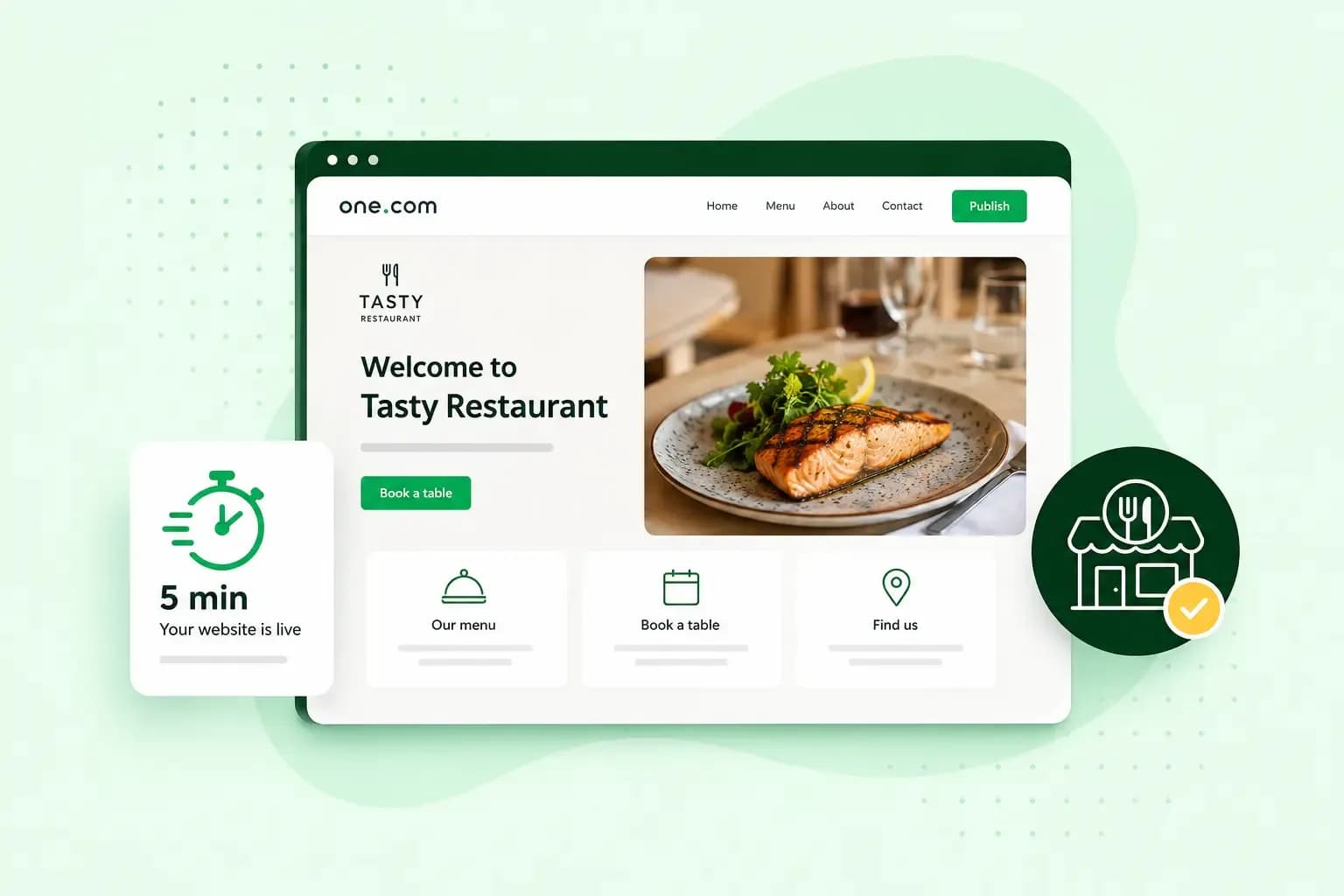
With a website builder, you can get your restaurant online in a few steps: describe your restaurant, choose a design that suits it, add your own menu and photos, and publish the site on your own domain. Good restaurant website design then puts your menu, your opening times and how to book a table where guests find them straight away.
Does your restaurant need a website?
Yes, we recommend one. Listings and social media are useful, but your own website is where you decide what guests see. Keep your menu and opening times on it and up to date.
Your website also does a few jobs better than a social media profile.
- Take bookings and enquiries after closing time, with a booking button and a contact form.
- Sell gift vouchers or food products such as your own hot sauce. With our Commerce plan, you can start an online shop for them.
- Give seasonal menus, events and offers a page of their own and link to it from your posts.
Our Booking plan includes a bookings tool for managing your bookings, with a monthly limit on appointments. The Commerce plan includes everything in the Booking plan, with unlimited booking appointments, and adds a full online shop. If you already use a booking system, you can link your booking button to it instead.
What should your restaurant website design include?
Your site should show at least your menu, when you're open, where you are, how to book a table and how to reach you. Photos, your story and reviews then give guests a reason to choose you over the place next door.
- Give your menu a page of its own and link to it from your home page.
- Show your address, a map and when you're open, including changes over bank holidays.
- Put a clear booking button or phone number at the top of your pages.
- Add a business email address for questions about allergies, large groups or private dining.
- Add practical details guests would otherwise phone about, such as parking, step-free access, a children's menu and whether dogs are welcome.
- Use your own photos of dishes, the dining room and the team.
- Add a short page on who you are, what you cook and what makes your place different.
- Show a few positive reviews from guests, so new guests see what others enjoyed.
The look of the site should match the mood of your restaurant. Take two or three colours from your interior or your logo and use them on every page. One font for headings and one easy-to-read font for the text are usually enough. Open the home page with one strong photo of a dish or your dining room, and keep your booking button and opening times close to it. Then look at the home page on your own phone and check that the booking button is easy to find. Our guide on how to design a website goes into more detail.
How to create your restaurant website
We recommend a website builder for most restaurants. With Aida AI Website Builder, our restaurant website builder, you start with a short chat about your restaurant and don't need any technical know-how. WordPress is worth considering if you need features a builder doesn't offer and you're happy to look after the site yourself. You'll then need Hosting for WordPress and time to keep WordPress, your theme (the design) and your plugins (add-ons for extra features) up to date yourself. Read our comparison of a website builder and WordPress before you choose.
If your restaurant already has an outdated website, you can paste its address in place of a description, and Aida rebuilds it with a modern design. Otherwise, you start from scratch, and you can ask Aida for an SEO-friendly site while you chat.
- Start a 14-day free trial of Aida AI Website Builder. You don't need a credit card for it.
- Describe your restaurant in your own words: your cuisine, the atmosphere and the look you have in mind. Aida then builds a first version of the website with its content, structure and images.
- Change the text yourself, or tell Aida what to change and let it update the text for you.
- Replace the generated images with your own photos of your dishes and your dining room.
When you're happy with the site, you're ready to go live. With the free trial, you choose your plan when you publish, and hosting comes with every plan.
- Publish the website. We then add the products you need, including a domain and a recommended hosting plan.
- Pick a domain for your restaurant: register a domain, transfer one from another provider or connect one you already have with us.
- Wait for the website to go live on your domain. After you buy a domain, this can take up to 24 hours. If you transfer a domain, the site goes live once the transfer is complete, which can take some time.
Once the site is live, link to it from your social media profiles and wherever your restaurant is listed. Next, help guests nearby find you on Google. With a free Business Profile on Google, you can manage how your restaurant shows up on Google Maps and Search. Create or claim your profile, verify your business, then add your opening hours, phone number, address and website, so guests see them on Google. Use the same details as on your own site. Our guide to restaurant SEO explains what to do after that, and our marketing ideas for restaurants help you plan what to promote.
How to put your menu online
When you create your restaurant menu online, put it on a page as text rather than only as a PDF. Guests can then read it on a phone before they book, without downloading a file. You can also change a dish or a price without making a new PDF.
- Keep the menu short, list dishes by course and write brief descriptions.
- Choose clear fonts in a size that's easy to read, on a background that doesn't make the text harder to see.
- Check the menu on a phone, a tablet and a computer before you publish.
- If your menu keeps changing, describe the kind of dishes guests can look forward to instead of listing each one.
- Show allergen information for each dish.
In England, Wales and Northern Ireland, food law requires you to tell guests if a dish contains any of 14 listed allergens. If you sell food for delivery or takeaway online or by phone, guests need that information before they complete the order, for example on your website. They need it again when the food is delivered. The allergen guidance for food businesses lists the 14 allergens and the rules.
Frequently asked questions
What does a restaurant website cost?
The cost depends mostly on the plan you choose and on your domain. Which of our plans you need depends on how many bookings you take and whether you want an online shop. Each of our plans includes a free domain for the first year on selected extensions. For other ways to build a site, compare the options in our guide to what a website costs.
How long does it take to set up a restaurant website?
With our builder, it takes anything from a few minutes to a few days. It depends on how large your site is and how much time you spend on your own texts and photos.
Which domain should your restaurant use?
For a restaurant in the UK, we recommend a .co.uk as your main address, since UK customers recognise it as a familiar domain extension. We also offer extensions such as .restaurant, .cafe or .bar. If you register one of these as well, keep your .co.uk address on your menus and signs.
Get your restaurant online
Once you know what goes on your site and how your menu should look, you're ready to build it. Build your restaurant website with Aida and see how it looks before you choose a plan.
Recommended reading
 WebsitebuilderOct 19, 2026
How to get your website ready for Black Friday (with checklist)
Get your website ready for Black Friday with this practical guide and checklist.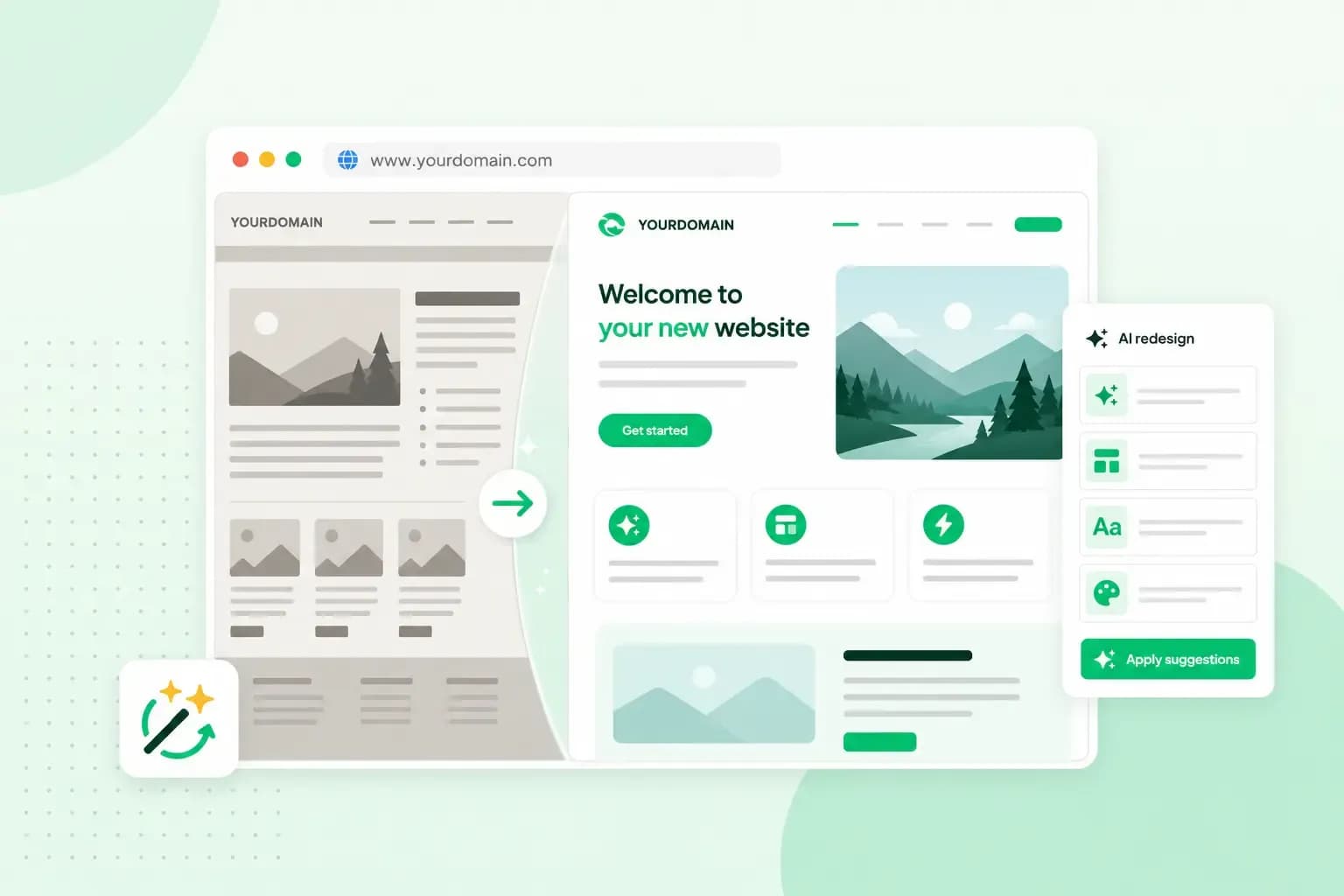 WebsitebuilderAug 31, 2026
How to redesign an existing website using AI
Discover how Aida AI can redesign your existing site in minutes, add new features, and help you create a site that's ready for business. WebsitebuilderAug 11, 2026
How to prompt an AI website builder
Learn how to prompt an AI website builder to create a professional website for your business. Get examples for shops, salons, clinics, and more.