
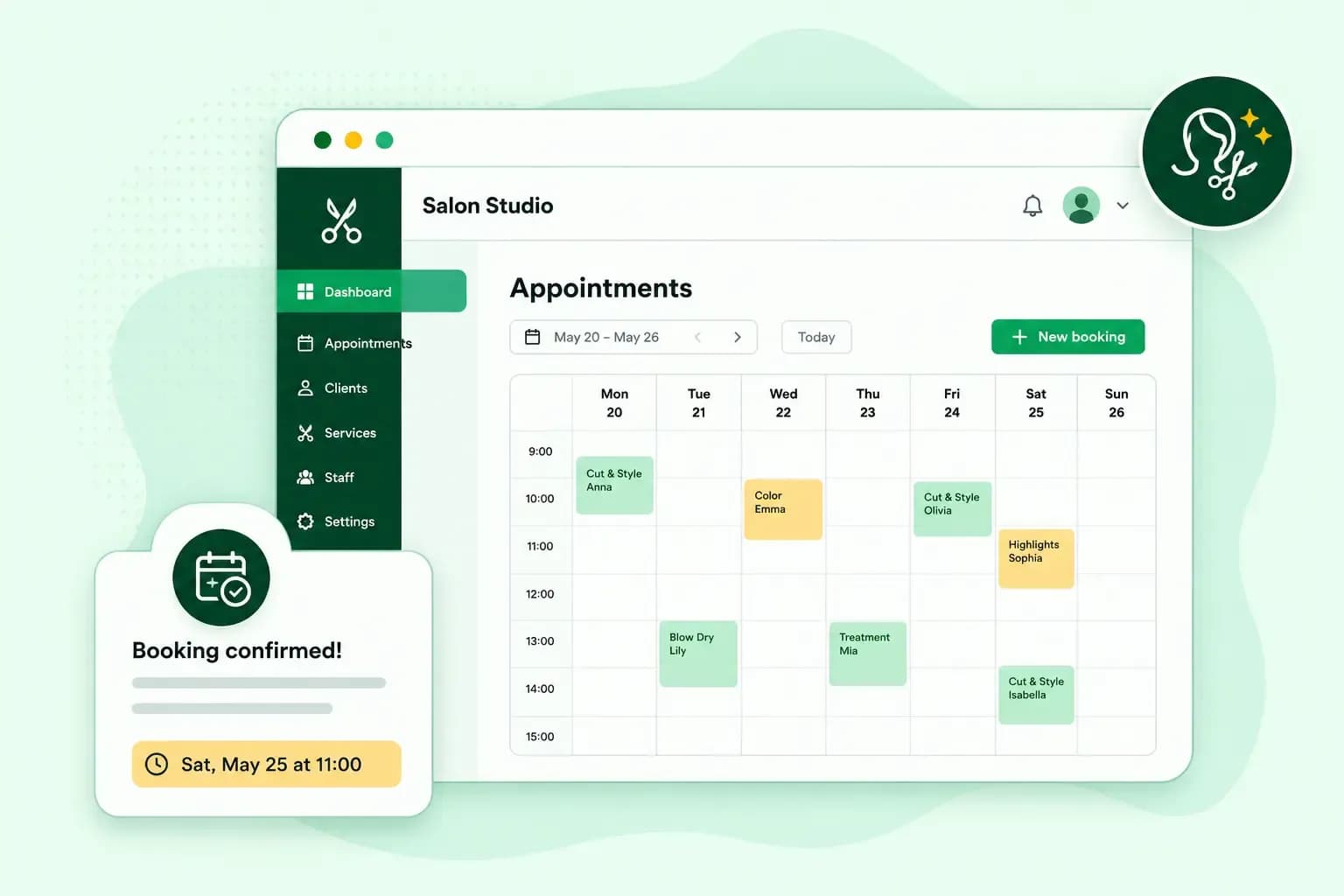
A hair salon booking system is the part of your website where clients choose a service and a time and book it themselves. To set one up, you need a website with a booking tool. Then you add your services with prices and durations, set the hours clients can book and decide your booking and cancellation rules. Once you publish the site, clients can book whenever it suits them.
What a salon booking system does for you and your clients
A salon booking system replaces the diary by the till, the missed calls and the messages on social media with one calendar that your clients fill in themselves. With our online booking system on your website, bookings, confirmations and rules sit in one place:
- Bookings outside opening hours. With our booking tool, clients book online 24/7, so they can schedule a visit outside your opening hours without calling you.
- Bookings confirmed for you. When you switch on automatic confirmation, every new booking is confirmed straight away and the client gets an email. You can also confirm each request yourself.
- One calendar for every booking. You can add bookings made by phone or in person next to the online ones, so you see all your appointments in one place.
- Clear rules for everyone. You decide how far ahead clients can book and how late they can cancel, so you're not left with an empty chair at short notice.
Clear booking rules are a good start if you want to reduce no-shows, the appointments clients miss without letting you know.
What you need before you start
You need three things before clients can book online:
- A website with a booking tool. The quickest route is an AI website builder with bookings built in, which creates the pages and the booking tool from a chat about your salon.
- A domain for your web address, which you pick when you publish your website. Our website builder plans include a free domain for the first year on selected extensions, which the domain search marks when you publish, and after that year the domain renews at its normal price.
- A plan that takes bookings, which with us is the Booking plan for up to 25 appointments a month or the Commerce plan for more. The Portfolio plan has no bookings, so you'd need to upgrade from it to take appointments.
If your site is already a WordPress website, which runs on the WordPress content management system (CMS), you add your salon reservation system with a plugin instead. Our guide to booking plugins for WordPress compares the options.
Which booking plan should your salon choose?
Your salon needs our Booking or Commerce plan, both part of our Aida AI Website Builder. For bookings, the difference is how many appointments clients can book each month, and whether you also want an online shop. Both plans suit a salon where you're the only stylist, as the booking tool takes bookings for one staff member.
Our Aida AI Website Builder plans that take bookings
| Booking plan | Commerce plan | |
|---|---|---|
| Appointments a month | Up to 25 | Unlimited |
| Online shop | No | Yes, to sell products such as hair care |
Our advice: if clients book more than 25 appointments a month online, choose our Commerce plan, so new bookings don't stop at the limit. That's barely one appointment a working day, so a busy salon usually needs it. If you're only starting out or most clients still book by phone, our Booking plan with its 25 appointments a month is enough.
With our Booking or Commerce plan, describe your services and opening hours, and Aida AI Website Builder creates your website and booking system in one go.
Take bookings on your websiteHow to set up a hair salon online booking system
These are the steps to set up the booking tool in our Aida AI Website Builder, starting with the plan:
- Choose a plan that takes bookings: the Booking plan for up to 25 appointments a month, or the Commerce plan for unlimited appointments.
- Describe your salon and the services you offer in the builder's chat. It sets up the booking tool with example services, such as haircuts and styling appointments.
- Replace or adjust the example services so each one has your own name, description, price and duration. Write each description clearly enough that clients know exactly what they're booking.
- Set your booking hours: the days and times clients can book, such as Monday to Friday, with breaks during the day if you need them. Then block the times you are away, such as holidays.
- Decide your booking rules: whether bookings are confirmed automatically, how far ahead clients can book and how late they can cancel.
When everything is ready, publish your website and pick its domain. Clients can then book on the live site. Our guide to the booking tool shows where each setting is.
How to add a booking button to your website
Put a booking button in your main menu, at the top of your homepage and next to each service. Give it a clear label such as "Book now" or "Book an appointment", so clients know what the button does. If you're new to buttons like this, our guide to the call-to-action button explains how to word and place them. A call-to-action button works best with a short label that says what happens next, in colours that make it stand out.
With our website builder, you don't have to build the booking page yourself. Tell Aida in the chat to add a booking section, and Aida sets the booking form up on your website for you.
Keep the booking page clean and in your salon's own style. A few good photos of your work and your services with prices are enough, so nothing distracts clients from booking. Our web design guide has more on layout.
How much does a salon booking system cost?
With us, a salon booking system isn't sold on its own but comes with the website builder plan, so what you pay depends on whether you choose our Booking or Commerce plan. Today's figures for both are on our plans and prices page, so you can compare them before you choose.
Questions salon owners ask about online booking
Can clients book at any of my salon locations through one booking system?
Not yet. Today our booking tool supports only one staff member, so one booking system can't cover several branches or stylists. Support for several staff members is planned, but our plans can change and there is no guaranteed release date yet. If you have several stylists now, look at the Shore booking add-on, which works with WordPress. Before you sign up, check that the Shore plan you pick covers several staff members.
Can I try a salon booking system for free?
Yes. You can try our Aida AI Website Builder free for 14 days, with no credit card needed. To take real bookings on a live site, you then choose the Booking or Commerce plan.
Get your salon ready for online bookings
Start with the services clients ask for most, and like most hairdressers, you can build your salon website and go live the same day.
Recommended reading
 WebsitebuilderOct 19, 2026
How to get your website ready for Black Friday (with checklist)
Get your website ready for Black Friday with this practical guide and checklist.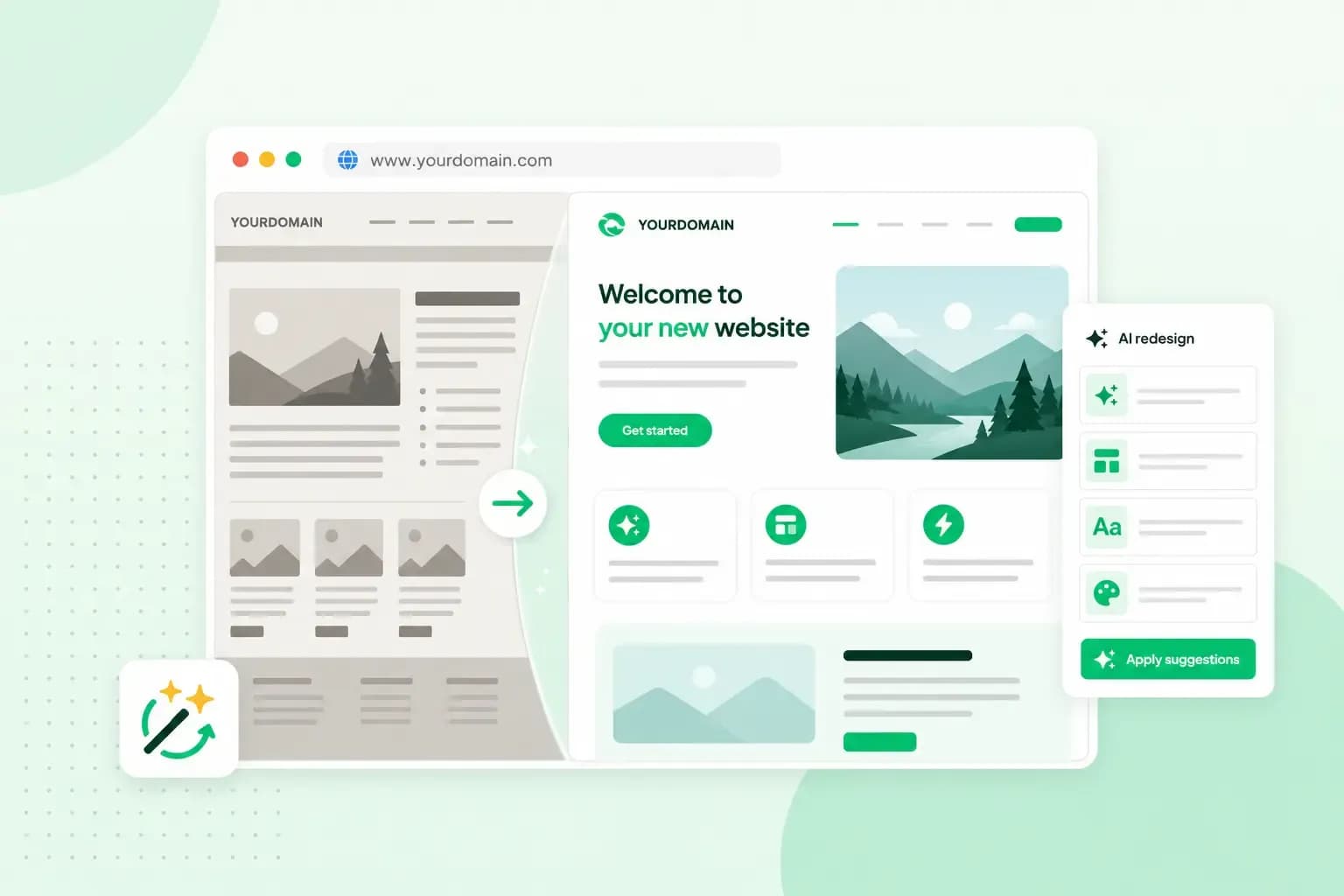 WebsitebuilderAug 31, 2026
How to redesign an existing website using AI
Discover how Aida AI can redesign your existing site in minutes, add new features, and help you create a site that's ready for business.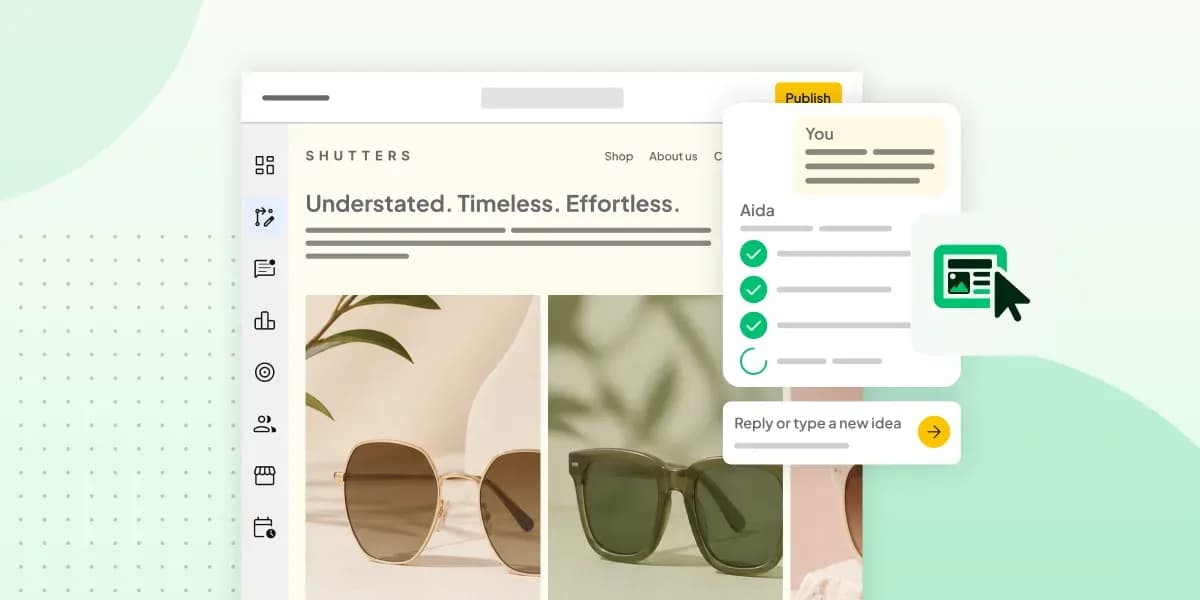 WebsitebuilderAug 11, 2026
How to prompt an AI website builder
Learn how to prompt an AI website builder to create a professional website for your business. Get examples for shops, salons, clinics, and more.