
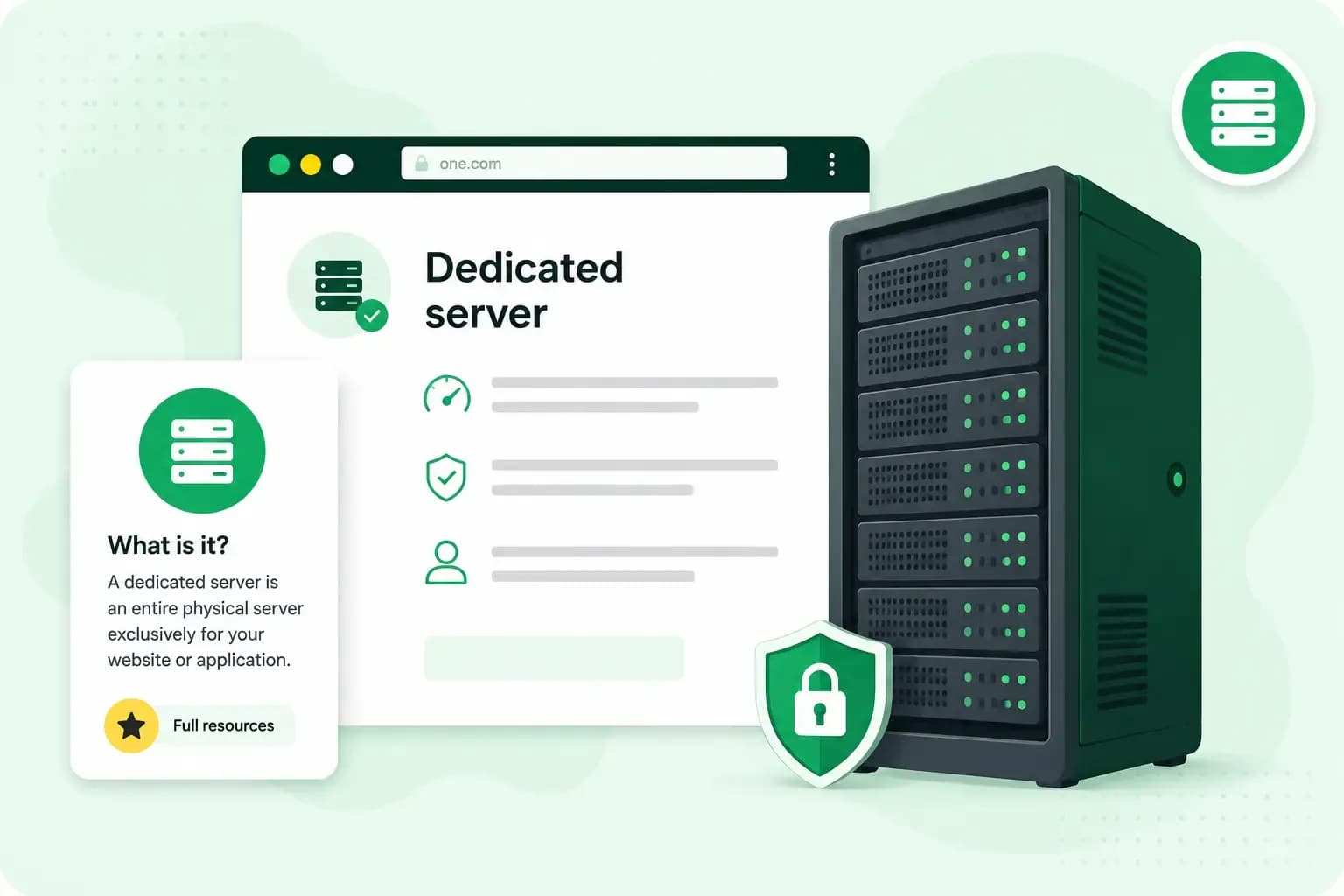
A dedicated server is a whole physical server that a hosting company rents to one customer. If you rent one, its processor, memory and storage work only for your websites and applications, so no other website competes for them. Dedicated hosting suits busy websites, demanding applications and sensitive data, and it costs more than other types of hosting. If you run a small business website, you'll probably want to start with shared hosting.
How a dedicated server works
A server is the computer your website lives on. It stays connected to the internet and sends your website to each visitor who asks for it. You can read more about what a server is.
With dedicated hosting, the hosting company owns the hardware and keeps it in its data centre. You rent the exclusive use of the entire machine, rather than a share of it. With shared hosting, many customers' websites run on one server and share its capacity.
What you get with a dedicated server
With the whole machine to yourself, you get:
- All of its capacity. The server works only for you, so no busy neighbour can slow your websites down.
- Isolation from other customers. No other customer's website or data sits on the same machine. That matters if you handle sensitive data, as a bank or a finance business does, or have to meet strict security rules.
- Full control. You decide the operating system, the hardware set-up and the software, so you can configure the server exactly the way your project needs it.
Managed or unmanaged: who runs the server
On an unmanaged dedicated server, you apply the security patches, manage the operating system and handle the configuration yourself. To set up and run it, you need to be tech-savvy or work with someone who is.
Many hosts also offer managed dedicated server hosting, where the host takes over the server management, the security patches and the operating system. That saves you the admin. If nobody on your team looks after servers, a managed server is usually the better choice, because the patches and updates still get done. Choose unmanaged only if you, or someone you work with, can keep the server patched and running.
If you want reserved resources without the server admin, a Managed VPS is worth a look. A VPS (virtual private server) is a virtual server on a shared physical machine, with its own reserved processor cores, memory and storage. With Managed VPS, we take care of the performance, the security and the updates. You manage your websites and apps in the Plesk control panel.
When a dedicated server makes sense
Dedicated server hosting is one of several types of hosting, alongside shared hosting, hosting for WordPress and VPS hosting. Which one fits depends on what your website does and how big it is. A dedicated server is worth it when your project has outgrown the other options in one of these ways:
- Your website or application needs consistent computing power all the time, not just during the odd busy spell. A large online shop with steady traffic all day is a typical case.
- You want your data and applications physically isolated, for more privacy and security than a virtual server gives.
- Your applications need hardware or configuration changes that a virtual server doesn't allow.
If none of these applies, a VPS is usually the better fit. Because the costs of its physical machine are shared between several users, a VPS costs far less than a dedicated server. With our VPS hosting, you get root access, which gives you full control of the server, and you choose your operating system. Other customers can't use the resources you pay for.
Our VPS is an unmanaged server: you look after the configuration, security, updates and maintenance yourself. If you'd rather we did that for you, choose Managed VPS.
A small business website usually runs fine on shared hosting, where it shares a server with other websites. With our shared web hosting, you can upgrade your plan as your website grows. If you build with WordPress, the shared hosting to look at is Hosting for WordPress.
Our advice: stay on shared hosting while it copes, and move to a VPS when your website outgrows it. Choose a dedicated server only when one of the signs above applies. That way, you only pay for and look after as much server as your website needs. When a sign does apply, decide first whether you want the server managed or unmanaged, then compare what each host includes. Our guide on how to compare a VPS and a dedicated server goes through the differences side by side.
Our VPS gives you full root access to set the server up your way, Linux or Windows, NVMe SSD storage and 1 Gbit/s networking.
Choose a VPSIf your website has outgrown shared hosting but none of the signs applies yet, pick a VPS plan that fits it today, and scale up to a bigger server when you need more.
Questions about dedicated servers
How much does a dedicated server cost?
What a dedicated server costs depends on the hardware you choose, from entry-level machines to high-end set-ups. It also depends on whether you want the server managed or unmanaged. To compare prices fairly, line up plans with the same hardware and the same level of management.
Can you host several websites on one dedicated server?
Yes. Only the websites you choose are hosted on the server, whether that's one or several. You decide which websites it holds and how you set each one up.
Recommended reading
 Hosting6 Nov 2026
504 Gateway Timeout: what it means and how to fix it
A 504 Gateway Timeout means a server in between got no answer from the website in time. See whose fault a 504 error is and how to fix it, WordPress included. Hosting4 Aug 2026
What is website cache?
What does cache mean? And how to clear your cache? Read the importance of cache and why it's necessary to clear your cache once in a while. Hosting4 Aug 2026
What is SSH?
How does SSH work & what does it do? Learn about the history of Secure Shell's predecessor Telnet and how SSH improved our internet security in this article.