
Email hosting is a service that runs the mail servers behind an email address on your own domain. If your flower shop's website is petalsandstemsflorist.co.uk, it lets you send and receive email as hello@petalsandstemsflorist.co.uk. That address carries your shop's name instead of an email provider's.
You decide which addresses you need. Your email hosting provider stores your messages and keeps those servers running, so you can get on with your business.
How does email hosting work?
Your domain's DNS settings hold an MX record, which tells other mail servers where to deliver email for your addresses. With email hosting, that record points to your provider's email server.
When a customer writes to hello@petalsandstemsflorist.co.uk, their mail server looks up your domain's MX record. It then delivers the message to your provider's server, which checks it for spam and viruses and stores it in your mailbox. When you reply, your provider's server sends the email on to your customer's server. You read and answer your email in your browser with webmail, or in an email app on your computer and phone.
What email hosting gives your business
Business email hosting gives your shop its own name in every address, and a provider that keeps the mail behind it safe and stored.
- Your name in the address: an email address on your own domain carries your business name instead of a provider's. It also stays the same if you ever change email provider.
- An address for each role: use
hello@petalsandstemsflorist.co.ukfor enquiries andorders@petalsandstemsflorist.co.ukfor the shop's orders, so each message reaches the right person. - Protection for your inbox: spam and virus filtering checks incoming messages for phishing and malware as well as spam, before they reach you. With us, it's part of every mailbox.
- No adverts: with us, every mailbox is ad-free, so your inbox holds your messages and nothing else.
- Storage and backups: you choose a plan by how much space your mailboxes need. We back up every mailbox daily.
- Proof that an email comes from you: records such as SPF and DKIM show receiving servers that a message comes from your domain, which helps keep your email out of their spam folders. When your domain uses our name servers, we switch DKIM on for you.
Name servers are where your domain's DNS settings are kept. If your domain uses another host's name servers, you add these records at that host yourself, as the setup steps below explain.
Email hosting or a Gmail address: which should you choose?
A free Gmail address can be enough for personal email, so keep using the address you already have.
For a business, the address itself is the drawback. It ends in gmail.com, so every email carries Google's name instead of yours. An invoice from orders@petalsandstemsflorist.co.uk tells your customer at a glance which shop it comes from. The trade-off is cost: email hosting means paying for a plan and renewing your domain.
Our advice: if you write to customers, suppliers or partners, use email hosting on your own domain. The address shows who they're dealing with, and you keep it for as long as you renew the domain.
Send and receive email on your own domain. Every mailbox comes with ad-free webmail, a calendar and spam protection.
Choose an email planEmail hosting, web hosting and your domain
Your domain name is your address on the internet, such as petalsandstemsflorist.co.uk. Web hosting stores your website's files on a server connected to the internet, so visitors see your site when they type in that address. Email hosting runs the mailboxes for the addresses on that domain.
Your website and your email don't have to be with the same company, because your domain's MX record decides where the email goes. That leaves you three common ways to get email on your own domain.
| What you get | Good for | |
|---|---|---|
| An email-only plan | Our Email Essential and Email Unlimited plans: mailboxes on your domain with webmail and a spam filter, no website needed | Businesses that need email but no website yet, or that host their website elsewhere |
| Email with a web hosting plan | Free email hosting for your domain: the mailboxes come with the hosting at no extra cost | Businesses that want their website and email in one place |
| Microsoft 365 | Microsoft's Exchange Online email and, on the Business plans, Word, Excel and PowerPoint as well | Teams that already work in Microsoft apps and have the technical skills to set up the domain and email routing |
What to look for in an email hosting service
Before you choose a provider, check that its plans give your shop what it needs:
- Enough accounts for every address you need, for people and for roles such as orders.
- Enough space in each mailbox, especially if you send large attachments such as photos or invoices.
- Filtering for spam, phishing and malware, and alerts when someone signs in from somewhere unusual. A hacked mailbox puts your customers' details at risk as well as your own.
- Webmail, and support for the apps you already use on your computer and phone.
- Technical support from a person, and a clear answer on when and how you reach them: by chat, email or phone.
Compare prices only once a plan meets all five.
How to set up email hosting on your domain
Once you've chosen email hosting with us, set up your address on your own domain in this order.
- Choose a plan, Email Essential or Email Unlimited, by the number of accounts and the storage you need.
- Pick a domain that comes free for the first year, or connect a domain you already have.
- If the domain you connect uses another host's name servers, that host manages its records. The account where you registered the domain shows which name servers it uses. At that host, add our MX record, an SPF record and the DKIM records. Take the SPF value and the MX format from our help article on external name servers, and ask our support for the DKIM values and, if your domain has been migrated, for your full MX record. Note down the other MX records there first, so you can put them back if needed, then remove them so only ours is left.
- Create the email addresses you need in the control panel.
- Move your existing messages from Gmail, Yahoo or Hotmail with our built-in email migration tool, so you keep your old emails when you switch.
- Open your inbox in webmail, or connect Outlook, Apple Mail, the Gmail app or another email app with our incoming and outgoing server settings.
- Send a test email to check that the new address sends and receives. If you added records at another host, wait first: the DKIM change usually takes up to 240 minutes to work.
If your app asks for server names and ports, enter our incoming server, imap.one.com on port 993, and our outgoing server, send.one.com on port 587 or 465, there.
How much does email hosting cost?
It depends on how many accounts you need, how much storage each one gets and which features you want. Before you choose a plan, compare the introductory price with the renewal price. Our email plans also include a domain that's free for the first year, so count the domain's renewal from the second year too.
Get your address on your own domain
All your flower shop needs to start is a plan and a domain. Get email hosting for your domain, set up hello@petalsandstemsflorist.co.uk for your customers and add orders@petalsandstemsflorist.co.uk when the orders come in.
Recommended reading
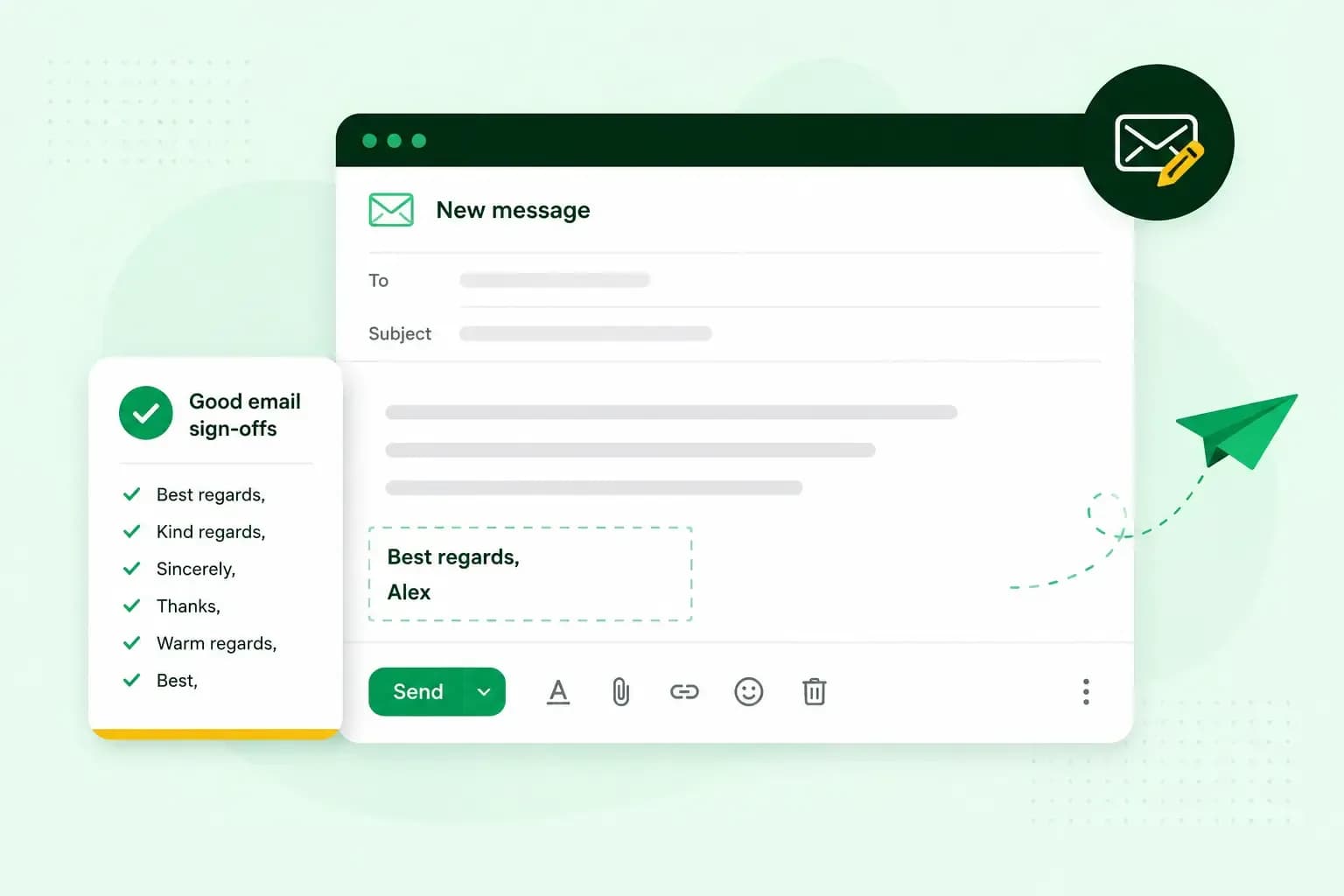 Email10 Nov 2025
How to end an email in English
How you end an email impacts how it is perceived. We have collected the best ways to sign off emails in English.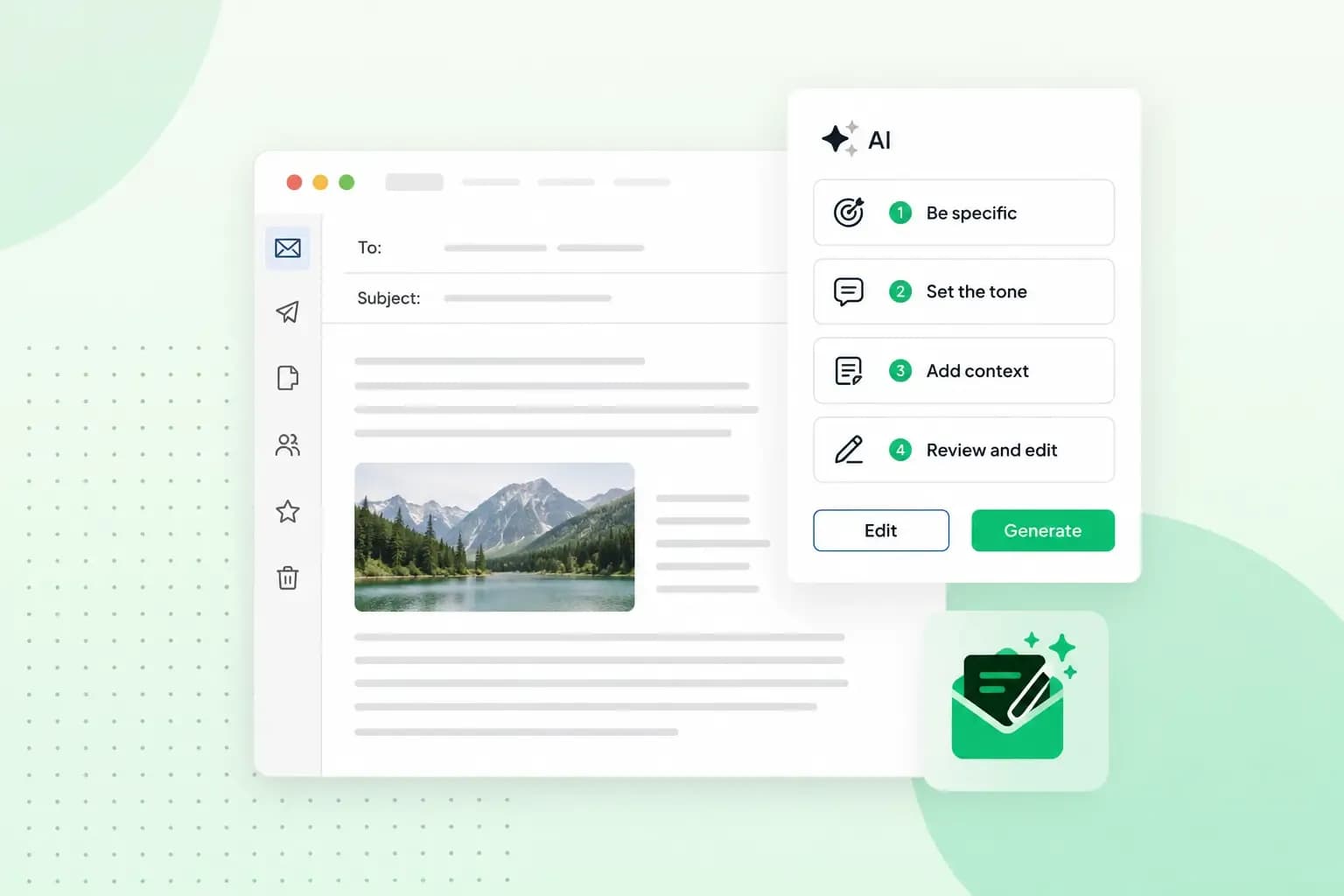 Email23 Oct 2025
How to use an AI email writer
Save time without sacrificing quality: learn how to use AI for email writing and create personalised emails effectively. Tips for crafting clear and compelling prompts.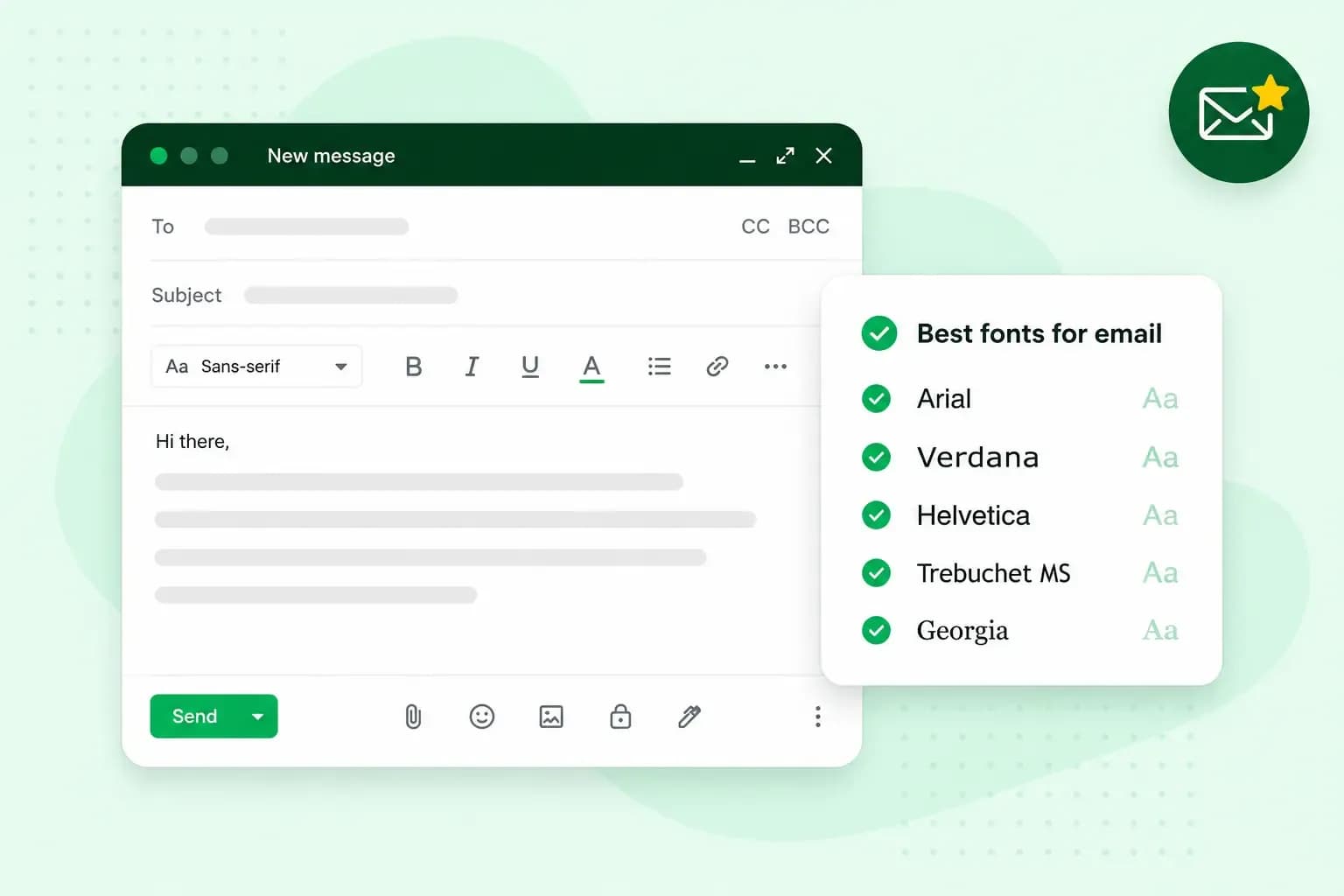 Email10 Oct 2025
What is the best font for email?
Sending the perfect email is essential. Read our tips on what you should consider when choosing the best professional font to ensure success.