
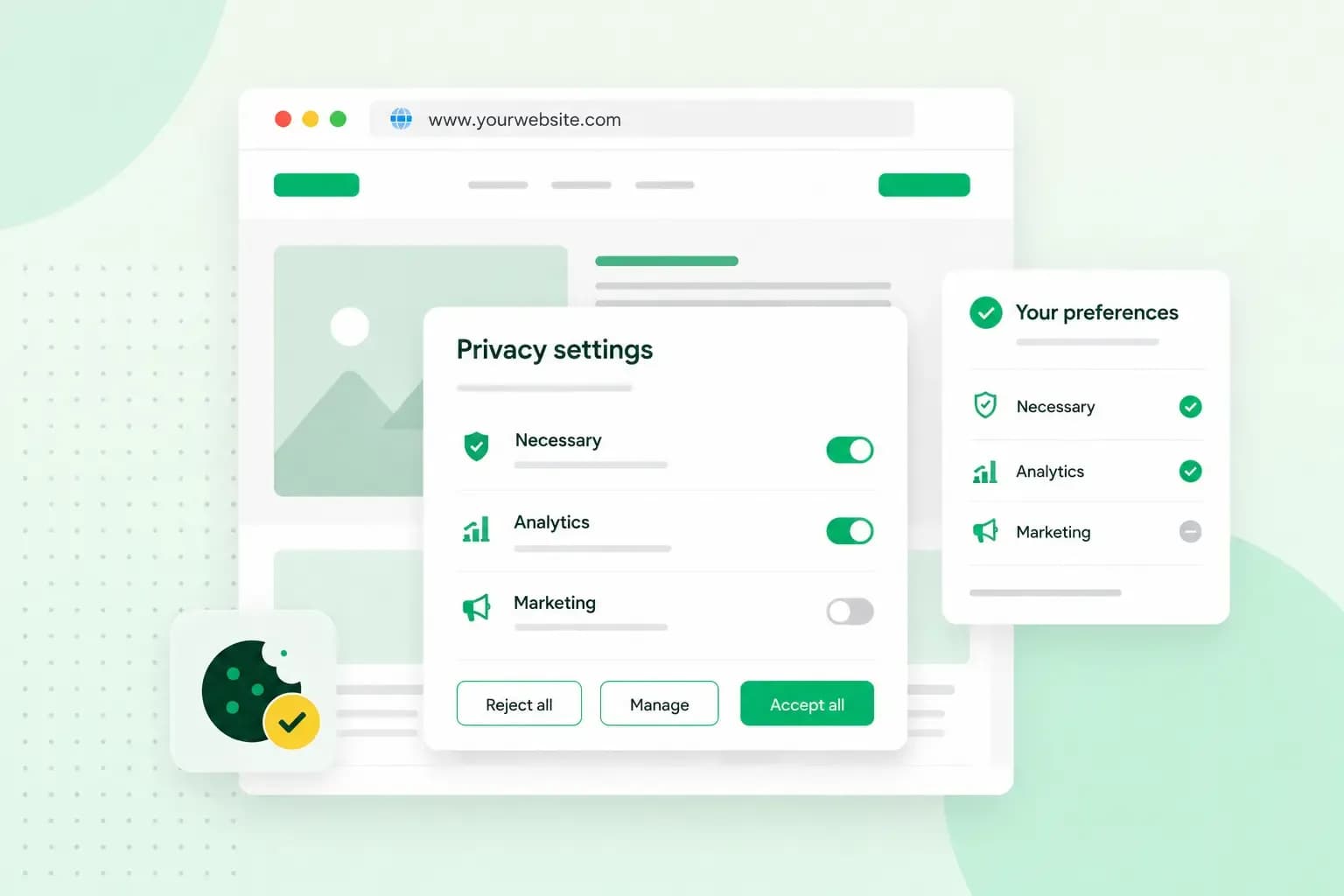
Consent management is how your website asks visitors for permission before it uses their data for things like analytics or advertising. It also keeps a record of each answer and lets visitors change their mind later. In the UK, the rules come from UK GDPR and the Privacy and Electronic Communications Regulations (PECR).
What does consent management mean?
For a website owner, consent management means your site uses a visitor's data only as they agreed, and you can prove it. Their choice counts on every page until they change it.
It covers personal data, meaning any information that can identify a person, directly or indirectly. That can be a name, for example, or an online identifier such as an IP address. It also covers cookies and similar technologies that store or read information on a visitor's device, even when no name is involved.
When does your website need consent?
Your website needs consent before it stores or reads information on a visitor's device, unless an exception applies. That rule comes from PECR, and it covers cookies, tracking pixels and similar technologies. Before you ask, you have to give visitors clear and comprehensive information about what the cookie or tool is for.
Which cookies and tools need consent on a UK website depends on these exceptions.
| What the cookie or tool does | Consent needed? | Condition |
|---|---|---|
| Makes a service the visitor asked for work, such as a shopping basket, a login or security checks | No | Only what is strictly necessary for that service |
| Collects statistics on how your website is used, so you can improve it | Not always | Only aggregate statistics that can't identify or track individual visitors, shared only with a provider that helps you improve your site. Visitors also get clear information and a simple, free way to object |
| Adapts how your website looks or works to the visitor's preferences | Not always | Clear information and a simple, free way to object |
| Tracks visitors for advertising, such as the tags behind a Google Ads campaign | Yes | Clear information about the purpose first, then the visitor's consent |
The Data (Use and Access) Act 2025 added the exceptions for statistics and for adapting your website to PECR. The same test applies to a tool like Google Analytics. If you're not sure your set-up only produces aggregate statistics that can't identify or track anyone, our advice is to ask for consent before it runs.
The personal data you collect, for example through a contact form or a newsletter sign-up, falls under UK GDPR and the Data Protection Act 2018. The Information Commission, which has taken over the ICO's role, oversees both, and people can complain to it if they're unhappy with how you handle their data.
Consent is only one of the lawful bases, the legal grounds for using personal data, so you don't always need it. To deliver an order, for example, you can use the customer's address because you need it to fulfil the contract. When you do rely on consent, you must be able to show that each person consented. If you break the conditions for consent, UK GDPR fines can reach £17.5 million or 4% of a company's worldwide annual turnover, whichever is higher.
How does a consent management platform work?
A consent management platform (CMP), or consent management system, is a tool that does this work on your website for you. A cookie banner is only the part visitors see. Behind it, a CMP does the rest:
- Scans your website: it finds the cookies your site uses and lists them, so you know what you need consent for.
- Asks visitors: it shows a banner that tells visitors how you use cookies and lets them set their preferences.
- Keeps a record: it stores each visitor's choices and changes, so you can show who consented to what.
- Lets visitors change their mind: it gives them a way to update their choices or withdraw consent later.
- Keeps your policies in step: it creates your privacy policy and cookie policy, and updates the cookie policy after each new scan of your site.
Termly, which we offer as an add-on, is a CMP that does all of this. If you set up Google Analytics or run Google Ads, the CMP can also pass each visitor's choice on to Google's consent mode. Consent mode then adjusts how those tags behave.
How to get consent right
Under UK GDPR, valid consent is freely given, specific, informed and unambiguous. The visitor gives it with a statement or a clear action, such as clicking a button. Visitors make that choice in your cookie banner, so check its wording and buttons against these points:
- Say what each cookie or tool is for, in plain language rather than legal terms.
- Leave every box unticked, so visitors tick it or click a button themselves.
- Let visitors agree to analytics without having to accept advertising too.
- Offer more than "Accept all", such as "Essential cookies only" and a way to customise their choices.
- Make withdrawing consent as easy as giving it, so visitors can do it at any time.
- Update your banner and privacy policy each time you add an advertising or analytics tool that stores something new.
Who needs consent management?
Your website needs consent management unless every cookie and tool falls under an exception in the table, such as analytics that only produce aggregate statistics. A site that only sets strictly necessary cookies, such as a basket or a login, doesn't need consent for them. Online shops that run advertising tags need it, and so do blogs that show ads and sites with online booking systems that track visitors with advertising pixels.
You could build the banner, the records and the policies yourself. You would then have to update them by hand each time your site adds a cookie or a tool. A consent management service such as Termly does that work for you.
Termly is an add-on you buy from us. It gives you a consent banner, a privacy policy and a cookie policy, all managed from one Termly account.
Get TermlyHow to set up consent management with Termly
If your website is with us, you add Termly from your control panel. Our classic Website Builder already includes a basic consent banner you can use without Termly. To add Termly there, you also need access to the builder's code component, which comes with the Premium and Business + E-commerce plans. A site built with Aida AI Website Builder already includes a built-in consent banner, so you don't need to install a separate consent tool there. Set Termly up in this order, which follows our guide to getting started with Termly:
- Buy the Termly add-on and open Termly from your control panel. Then create your Termly account.
- Review your business information. Then create your privacy policy by answering Termly's questions about your business and website, and add it to your website.
- Scan your website for cookies, so Termly can list them.
- Set up the consent banner, which is your cookie banner, and install it on your website.
- Add the cookie policy to your website.
When the banner is live, open your website in a private browser window and check that the banner appears before you accept anything. Termly works with any website, including a WordPress site on our Hosting for WordPress. If your site is with another provider, you can still buy Termly and install it yourself.
If you don't use a CMP yet, add Termly to your website and start with a cookie scan.
Recommended reading
 Website Security6 Nov 2026
"Your connection is not private": what it means and how to fix it
"Your connection is not private" means your browser couldn't trust a site's certificate. See when it's safe to continue and how visitors and site owners fix it. Website Security11 Aug 2026
Does your website need a cookie banner?
Find out when a cookie banner is required, the legal requirements that apply, and how you can easily make your website GDPR-compliant.- Website Security13 Jul 2026
What is domain theft and how do you protect your domain?
Learn what domain theft and domain hijacking means and how to protect your domain from external threats.