
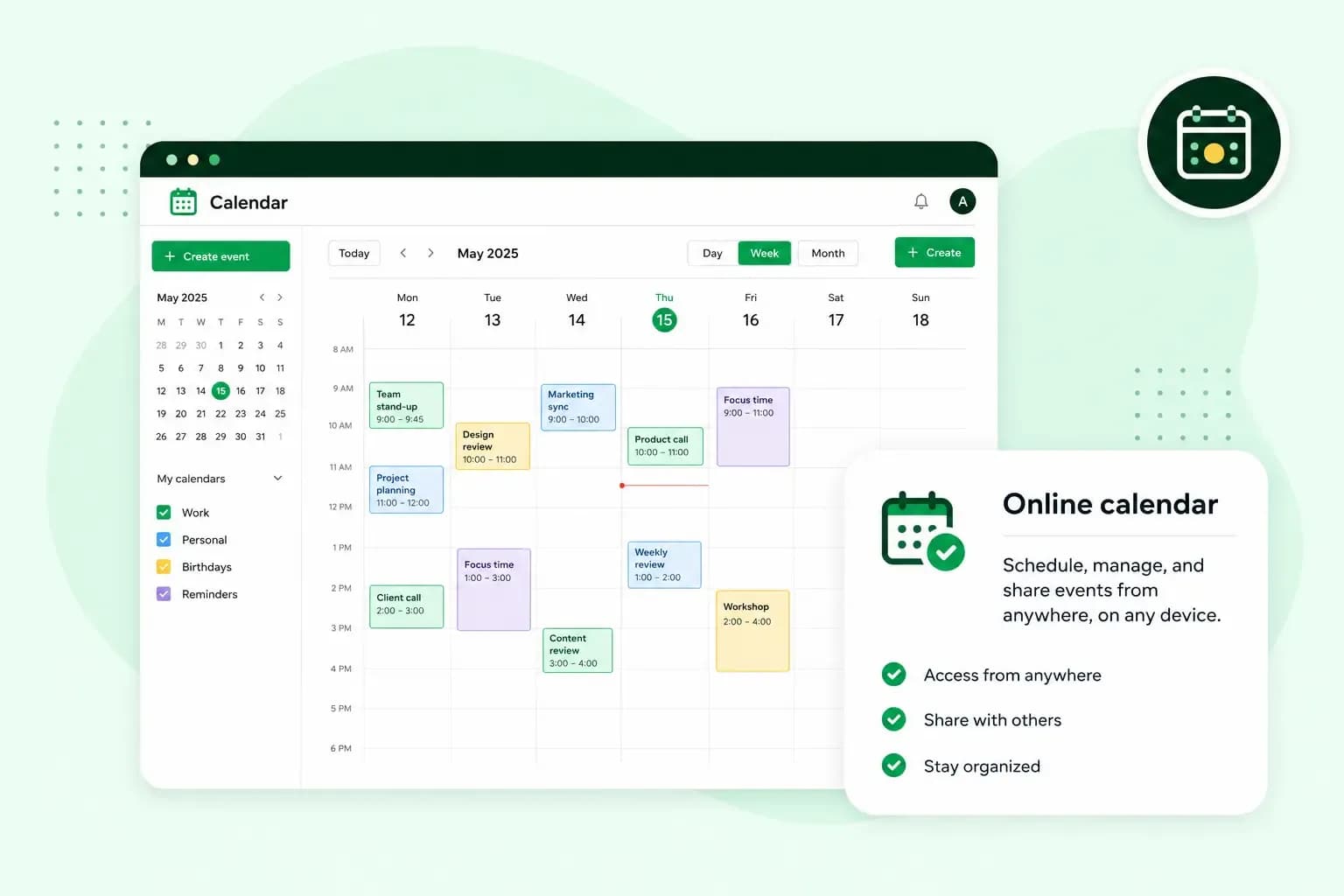
An email calendar is the calendar built into your email account. You plan appointments in it, invite people by their email address and answer the invites you get, right next to your inbox. Because your email and contacts are in the same place, you can set up a meeting in one go instead of trading messages about dates.
How an email calendar works
Every event you create is saved in your email account's calendar, with a title, a start and end time and the people you want there. You add guests by their email address, and the calendar sends each of them an invitation when you save the event.
What a guest sees depends on their address. A guest on another email service, such as Gmail or Outlook, gets the invitation as an email and can accept or decline it from there. With our calendar, a colleague whose address is on the same domain as yours sees the event appear in their own calendar. They answer it there, and their reply shows up in your calendar.
Why use an email calendar?
It's worth using an email calendar if you regularly meet customers, suppliers or colleagues:
- You invite people in one step. You enter the time, the place and your guests' email addresses, instead of agreeing a date by phone and hoping everyone remembers it.
- A weekly team meeting or a monthly review repeats on its own, so you only create it once.
- All your appointments are in one calendar, so you can check it before you say yes to a new time and avoid booking two things at once.
Does our email come with a calendar?
Yes. Every mailbox we offer comes with a built-in calendar, whether you get email with one of our email plans or with a web hosting plan. Each web hosting plan includes professional email accounts, with one email account on our Starter plan and more on the larger plans. You open the calendar in our webmail, where your email, calendar and address book share one password-protected login.
Our online calendar also syncs to your computer, tablet and phone through any email client or calendar app that supports CalDAV. CalDAV is the standard that keeps the same calendar up to date on every device that supports it. To set it up, you add your email account as a CalDAV account in your calendar app or in your device's account settings, or on an Android phone in a CalDAV app such as DAVx⁵ or OneCalendar. Your app then asks for the CalDAV server address, a user name and a password. You'll find the CalDAV URL in webmail under the calendar options. If your app asks for a server address instead, enter caldav.one.com. For the user name, enter the email address you use to log in to webmail, then the password for that address.
Views, sharing and other features
- Separate calendars: create as many calendars as you need, for example one for work and one for birthdays, each in its own colour. You can also show the calendar in English or another language we support.
- The view you need: switch between a day, week, month or agenda view, depending on how far ahead you plan.
- Regular meetings: set an event to repeat daily, weekly, monthly or yearly, a set number of times or until a date you choose.
- Moving appointments: bring appointments in from another calendar as an
.icsfile, the common format for calendar files, or export all the events of a calendar in the same format. - Subscriptions: add a colleague's or your partner's calendar with its iCal link, a web address for the calendar that its owner shares with you. It updates whenever they make changes, but you can't edit it.
- For others to see: share your calendar with an iCal link, publish it on a page of its own or embed it on your website. People can see your events, but they can't change them, so only share or publish a calendar with nothing private in it.
- Everything in one place: connect Google Calendar or another CalDAV calendar, so all your appointments show together. A subscription only shows someone else's calendar, while this connects another calendar account you use yourself.
Send and receive email on your own domain, with a calendar in every mailbox.
Choose an email planHow do I start using our calendar?
You can start using our calendar as soon as you have an email address on your own domain. Your first meeting with guests then takes four steps.
- Create an email address on your own domain, if you don't have one yet. The calendar comes with the email account.
- Log in to webmail and open your calendar.
- Create an event with a title and a start and end time. Set it to repeat if it's a regular meeting.
- Add your guests by their email addresses and save the event. Guests on other email services get the invitation by email.
If you're not with us yet, choose an email plan and set up your first mailbox. Its calendar is there from your first login.
Recommended reading
 Email10 Nov 2025
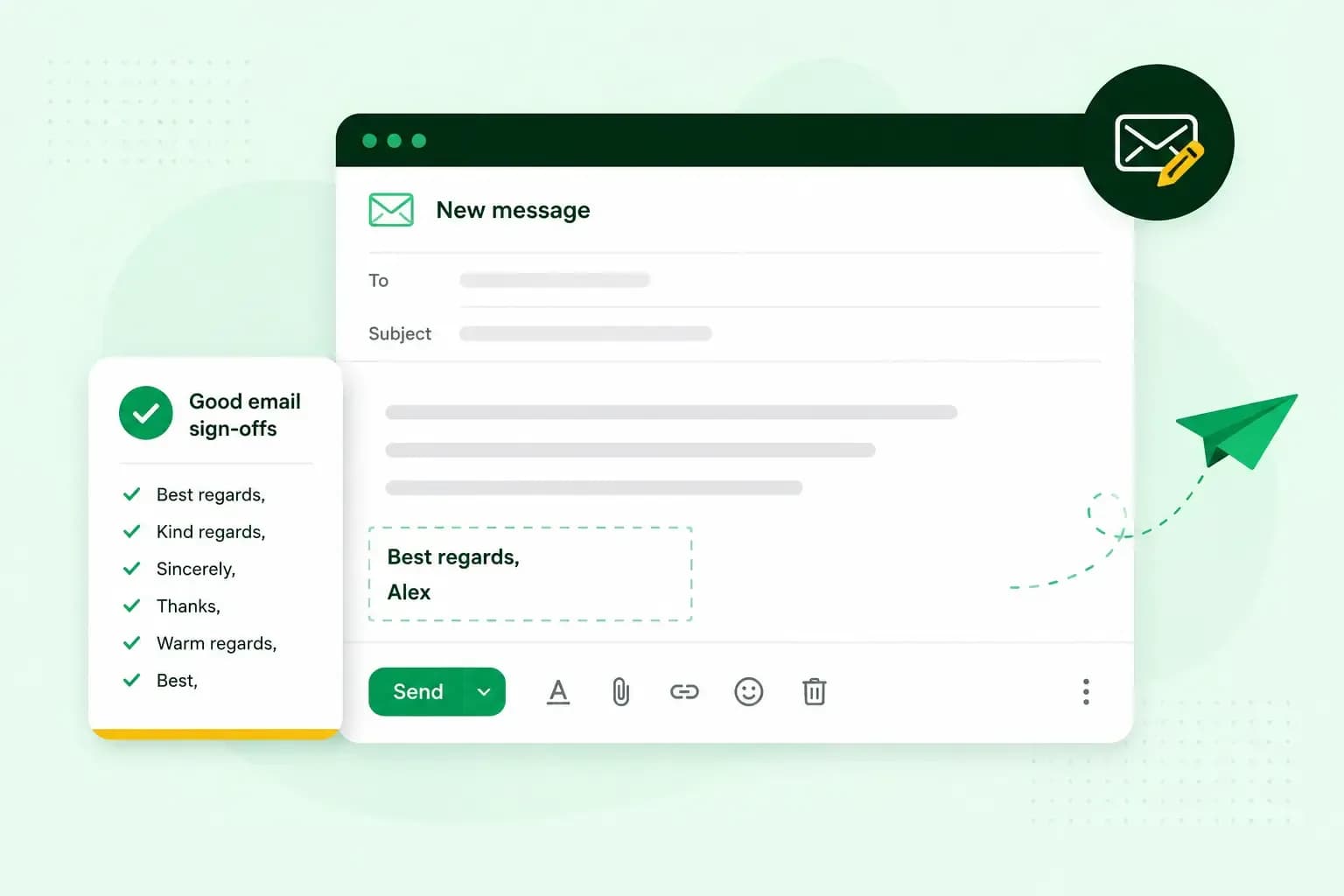
How to end an email in English
How you end an email impacts how it is perceived. We have collected the best ways to sign off emails in English.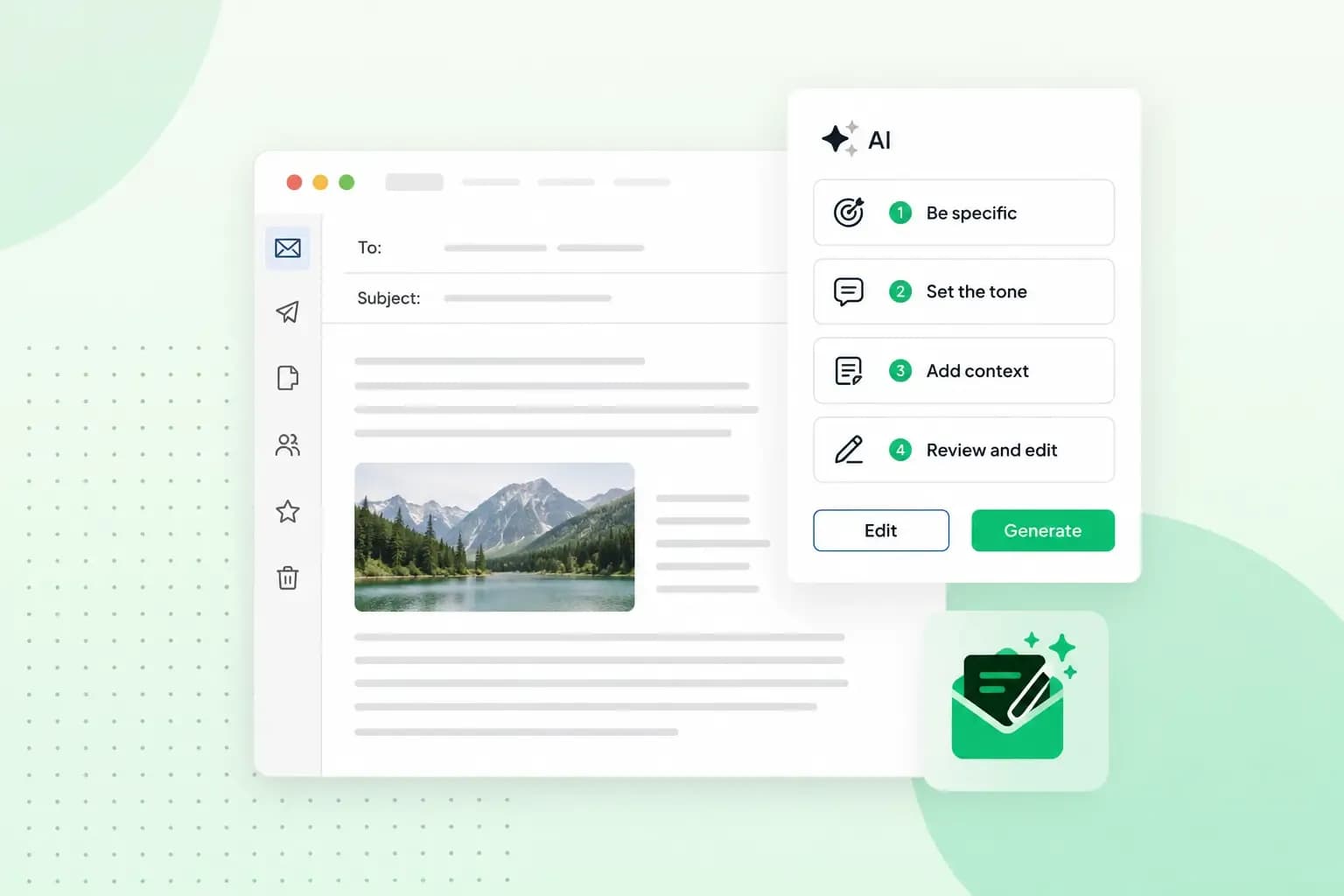 Email23 Oct 2025
How to use an AI email writer
Save time without sacrificing quality: learn how to use AI for email writing and create personalised emails effectively. Tips for crafting clear and compelling prompts.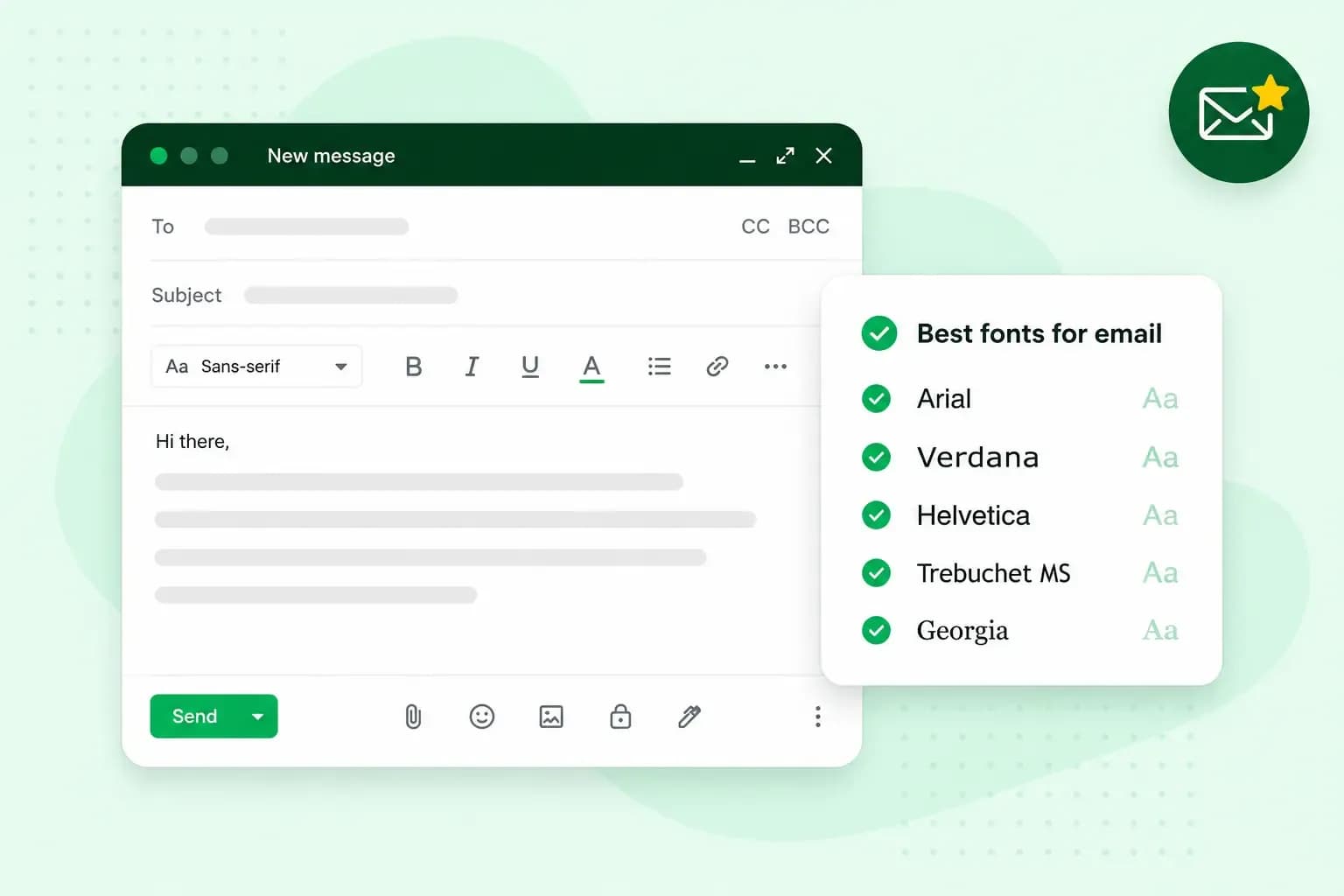 Email10 Oct 2025
What is the best font for email?
Sending the perfect email is essential. Read our tips on what you should consider when choosing the best professional font to ensure success.