
Domain theft (also known as domain hijacking) happens when someone gains unauthorised control over your domain name. Usually they get into the account where the domain is registered, then change its settings or move it to another provider. Because your website and email both run through the domain, whoever controls it controls where they go. Make sure you lock transfers and keep that account secure.
Your domain name is the address customers type to find you and the part after the @ in your email.
How domain theft happens
Attackers rarely go after the domain directly. They usually take it through one of three routes:
- Your login. Phishing emails trick people into giving away their login details, and passwords can end up on the black market. With the login to your registrar account, an attacker can change the domain's settings or start a transfer.
- The transfer code. Moving a domain to another registrar generally needs a transfer code, called an Auth-ID or EPP code. It's sent to the email address registered on the domain, so whoever controls that inbox and your login can move the domain.
- An expired domain. A domain that isn't renewed is eventually deleted. After that, anyone can register it.
What happens if your domain is hijacked?
Losing control of your domain usually means losing your website and your email at the same time. Both rely on the domain's DNS settings, which tell browsers and mail servers where to find them.
- Your website goes offline, or visitors are sent to a site the attacker controls. The downtime and the work of getting your domain back can both cost money.
- Your email can be rerouted, and your domain used to send phishing emails that seem to come from you.
- Your customers' trust suffers if your domain is used for scams in your name. Even a short disruption can damage your reputation.
You may only find out when a customer tells you your website is down or that a strange email came from you. An email about a transfer or a change you didn't make is a reason to act at once.
DNS hijacking is a related attack. Someone who gets into the service that hosts your DNS can send your traffic and email elsewhere without taking the domain itself. Protect that login the same way as your registrar account.
Lookalike domains are a different risk
A lookalike domain copies a real brand's name closely enough to fool people, and scammers use it for fake emails and pages. If one copies your name, your customers can be taken in. In rnerrowfinch-tiles.co.uk, for example, an r and an n side by side look like the m of merrowfinch-tiles.co.uk. If you find a website like this using your name, you can report it to the NCSC. The UK's National Cyber Security Centre investigates scam websites.
How to protect your domain from theft
Domain theft protection comes down to four things: a lock on transfers, a secure login, an up-to-date email address on your domain and renewing on time.
Block unauthorised transfers
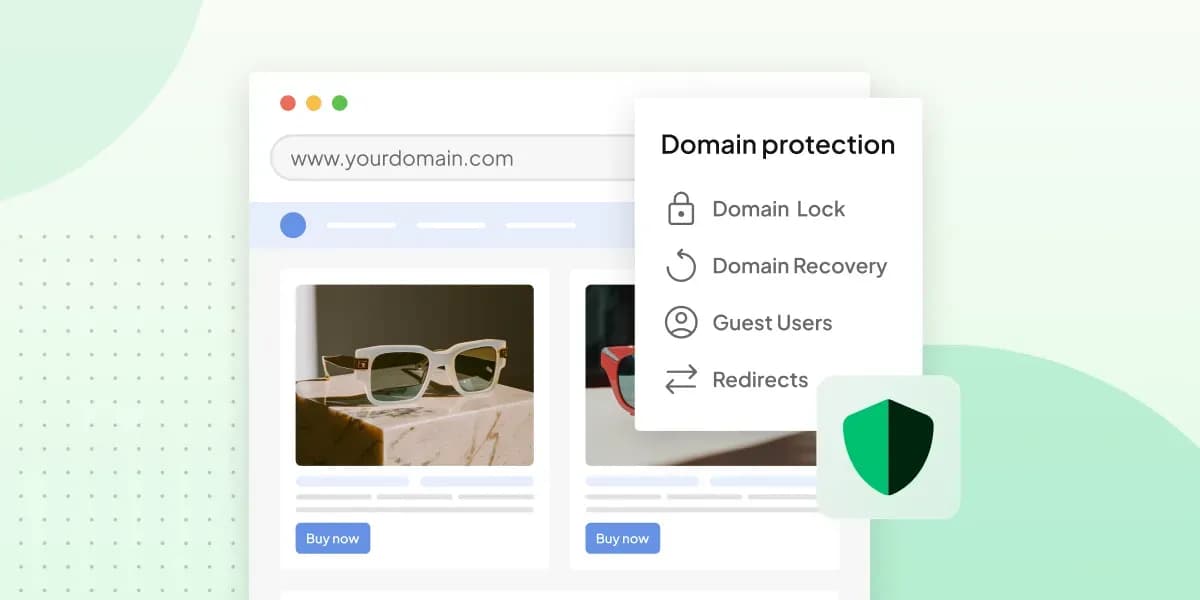
Domain Lock, which comes with our paid Domain Protection add-on for domains registered with us, protects the transfer code itself. Once you've switched the lock on, you set a separate password for getting the Auth-ID. It's not the same as your control panel password, so an intruder would need both passwords to move your domain. If you have a .co.uk or .uk domain, read the section on your contact email as well: Domain Lock works on the Auth-ID, and those domains move another way.
With the Domain Protection add-on, Domain Lock asks for a separate password before your domain can leave for another registrar.
Add Domain LockSecure your control panel login
Give your control panel login a strong password you don't use anywhere else. Then switch on two-step verification, also known as two-factor authentication (2FA). After your password, you confirm each login in our Companion app or with a code from Google Authenticator. A stolen password alone then won't get anyone in. Our help centre shows how to switch on two-step verification.
Add a recovery email and phone number to your account too. Then you can still get back in if you forget your password and lose access to your contact email.
If a developer or designer helps with your website, don't share your password with them. With Domain Protection, you can add them as guest users with their own login instead.
Keep your contact email up to date
The Auth-ID is sent to the email address registered on your domain, not to the contact email of your account. These can be two different addresses, so make sure you check the one on your domain. It should be current, an inbox you still read and protected by a strong password of its own.
A .co.uk domain doesn't use an Auth-ID, and neither does a .uk domain. To move one, you send our support team the new registrar's IPS tag from the contact email of your account, and changing the tag moves the domain to that registrar. So for a .co.uk or .uk domain, give your account's contact email the same care as the address on the domain.
Don't let your domain expire
When a domain expires, your website and email stop working. If you don't renew it soon after it expires, it enters a redemption period, when getting it back costs a fee. After that, the domain is deleted. With us, a domain renews automatically for another year by default. The renewal still has to be paid, so pay the invoice when it arrives.
With Domain Protection, if a payment is delayed, we renew your domain for one more year, so you have time to sort it out. This doesn't apply to a domain suspended for abuse.
What to do if your domain is stolen
GOV.UK's guidance for public sector domains says what to do when your website or email goes offline or looks compromised. Apart from one step for public sector organisations only, its steps are useful for a business domain too.
- Contact your registrar or DNS provider straight away.
- If they confirm that the domain has been compromised, report the incident to the National Cyber Security Centre (NCSC) and follow its advice.
- When necessary, also tell the regulators involved, such as the Information Commissioner's Office (ICO).
If your domain is registered with us, that first contact is our support team. If you can still log in, change your control panel password and the password of the email address registered on the domain. Check as well that nobody has added a forwarding rule to that inbox.
Domain Protection includes Extra Care. We help you understand what happened and go through the options, such as whether we can restore the domain or you can register it again. We can't always recover a deleted or stolen domain, though.
The surest protection is to close the transfer route before anyone tries. Add Domain Lock to your domain with Domain Protection, keep your contact email up to date if you have a .co.uk or .uk domain, and switch on two-step verification for your login. If you're getting a new domain, search for a domain name and register it with us, so you can add the lock from the start.
Recommended reading
 Website Security6 Nov 2026
"Your connection is not private": what it means and how to fix it
"Your connection is not private" means your browser couldn't trust a site's certificate. See when it's safe to continue and how visitors and site owners fix it. Website Security11 Aug 2026
Does your website need a cookie banner?
Find out when a cookie banner is required, the legal requirements that apply, and how you can easily make your website GDPR-compliant. Website Security3 Nov 2025
What is a EULA and how do you write one?
Including an End User License Agreement is essential for your app, software, or digital service. We'll tell you everything you need to know.