
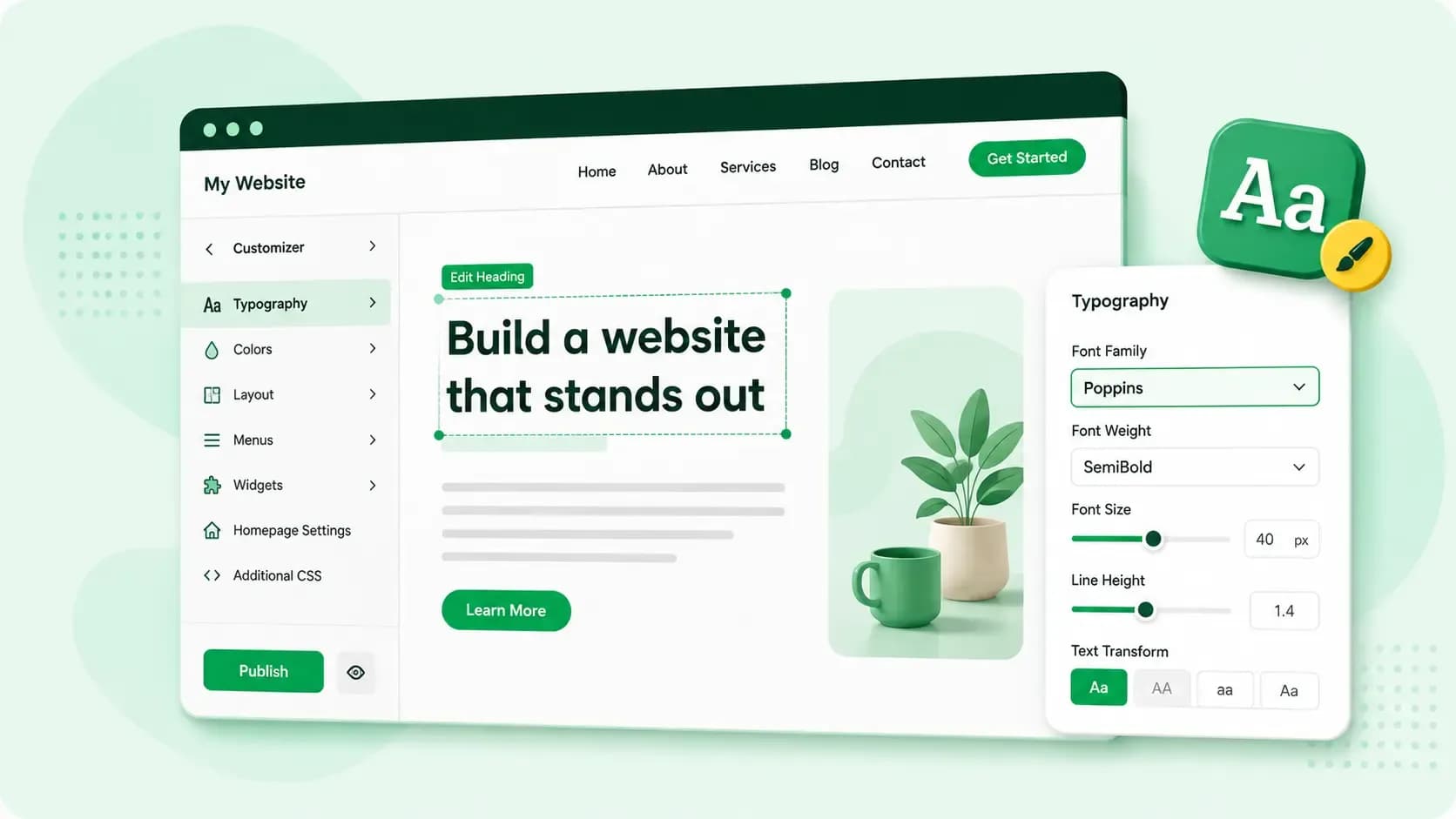
You can change the font in WordPress for your whole site or for one paragraph or heading. Where you do it depends on your theme. A block theme keeps the fonts and font colour for your whole site under Styles, which you open from Appearance > Editor. A classic theme keeps them in the Customizer instead, if the theme offers those settings. The Customizer lets you change your theme's settings while a preview shows the result, and you open it from Appearance > Customize. For a single paragraph or heading, you use that block's own typography settings, which also cover its size and colour.
Check whether you have a block theme or a classic theme
Appearance in your dashboard tells you which kind of theme you have, and that matters because the two keep their font settings in different places. An Editor option there means a block theme, since classic themes don't work with the Site Editor, while a Customize option with no Editor beside it means a classic theme.
Block themes hide Customize unless a plugin or the theme itself needs it, so seeing both options simply means your block theme or one of your plugins uses the Customizer.
The WordPress default font is the font your site shows before you pick one, and it isn't the same on every site. Your theme sets the default styles your site starts with, and the fonts you can choose from depend on it too.
How to change the font for your whole site in a block theme
In a block theme (WordPress 5.9 or later), Styles in the Site Editor sets the look of the entire site at once, so a font you choose here shows up on every page and post.
- In your dashboard, go to Appearance > Editor.
- Open the Styles panel with the half-shaded circle icon at the top right.
- Click Typography and choose the element you want to change: text, links, headings or buttons.
- Choose the font, then adjust the size, appearance and line height while the preview shows the result.
- Click Save to put the change live.
Add a Google font or upload your own
If the font you want isn't in the list, add it with the Font Library, which came with WordPress 6.5. It lets you install Google Fonts or upload font files from your own computer, and once you've installed a font, you'll find it in the list with the others.
How to change the font colour in WordPress
In a block theme, you set the font colour for the whole site in Styles, in the same place as the font:
- Go to Appearance > Editor and open the Styles panel.
- Click Colors.
- Under Elements, click Text, or click Links, Headings or Buttons to colour those instead.
- Pick a colour from the picker or enter its HEX, RGB or HSL value.
- Click Save.
If WordPress warns that your text colour doesn't have enough contrast with the background, choose another shade, because the text will be hard to read. To colour the text of one paragraph or heading only, you use the Color setting of that block, which the next section covers. To colour only a few words, select them, click the arrow icon in the block toolbar and choose Highlight, which changes the colour of the selected text.
A classic theme keeps its colour options in the Customizer, if your theme supports them. If yours has none, add a short CSS rule for the colour in the Customizer's Additional CSS panel, then click Publish to put it live. For example, body { color: #333333; } makes all your body text dark grey, and h2 { color: #1a5276; } colours your H2 headings dark blue.
How to change the font, size or colour of one block of text
Each block in the block editor has its own typography settings, so one heading or paragraph can look different from the rest of the page.
- Open the post or page in the block editor, select the block you want to change and click the Settings icon next to the Save/Publish button to open the Block Settings sidebar.
- In the Block Settings sidebar, find the Typography section.
- To see the settings that are hidden, open the Typography three-dot menu and add the ones you need, such as Font.
- Choose the font family, a preset or custom font size, and click Color to set the text colour.
- Click the Save/Publish button to make the change live.
To undo your choices for a block, open the Typography three-dot menu and click Reset All.
How to change the font in a classic theme
In a classic theme, font settings are in the Customizer, but only if your theme adds them. The sections on the screen where you customise your WordPress theme are likely to differ from theme to theme, so look for the section that holds fonts or typography.
- In your dashboard, go to Appearance > Customize.
- Open the section where your theme keeps its font or typography options and choose your settings; the preview updates as you go.
- Click Publish.
If your theme has no font settings, use the Additional CSS panel in the Customizer instead. CSS code you add there overrides the theme, so a rule such as body { font-family: Georgia, serif; } changes the font of your body text even when the theme offers no choice.
Every Hosting for WordPress plan includes a private test version of your site, so you can try new fonts and colours before your visitors see them.
Compare Hosting for WordPress plansPick fonts that are easy to read
A font that looks good in a heading can be tiring in a long paragraph, so test your choice on a page full of text before you save it. If you send newsletters, choose the font you use in emails with care too, because an email client that lacks your website font shows another one instead, so an email safe font keeps your email marketing looking as planned.
Once your fonts are set, you can leave the technical upkeep of your WordPress site to us. With Managed hosting for WordPress, we update WordPress, your themes and plugins automatically, test each update visually and roll it back automatically if something goes wrong.
Recommended reading
 WordPress6 Aug 2026
What is WooCommerce?
Do you want to start your online shop? Get to know WooCommerce in this guide: an e-commerce solution to build your shop. WordPress5 Aug 2026
Why is my WordPress site so slow? 7 reasons and ways to fix them
Slow WordPress site? We look at the most common reasons and share how to speed up your WordPress website in this practical guide. WordPress30 Oct 2025
WordPress SEO – Checklist with 9 tips
Increase traffic to your site with WordPress search engine optimisation. Follow our WordPress SEO guide and read about the best SEO plugins.