
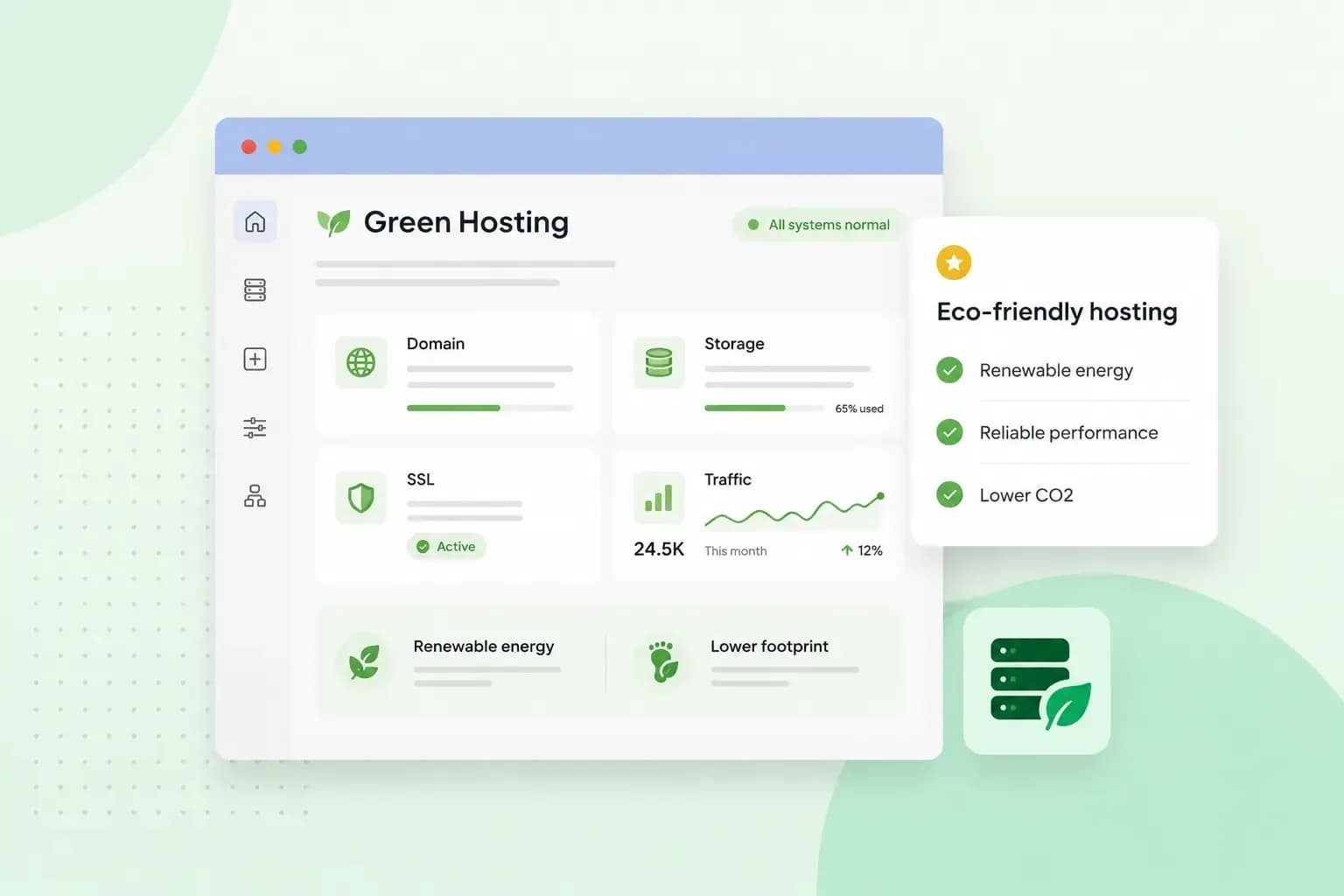
Green hosting, also called eco-friendly hosting, means your website runs on servers powered by renewable energy, such as wind or solar power. A green host also works to cut the energy its data centres use.
What makes hosting green
Green energy is electricity from renewable sources, so it helps cut carbon dioxide emissions when it replaces fossil fuels such as coal and gas.
The Green Web Foundation sets a clear standard for what a host has to do. A provider has to share evidence that the electricity behind its service comes from fossil-free sources, such as wind or solar power. It has to do this at least once a year. Offsetting means paying for emission cuts somewhere else, and the foundation doesn't accept offsets as evidence, so a host can't meet this standard with offsets alone. That makes it worth asking your host for evidence of its power, not only of its offsets.
When you compare green web hosting, look for both renewable power and a host that works to use less energy. Clean power alone doesn't tell you how much energy a host wastes.
Why your choice of host matters
Unless you host your own website, it lives on servers in your host's data centre. The data centre has to run those servers and keep them cool. A typical data centre consumes 10 to 50 times more energy per floor space than a typical office building.
Green hosting matters for a small website too. Your choice of host is the part of your website's footprint you control, so it's worth choosing one with its energy in mind.
How hosts prove their energy is renewable
Renewable electricity is tracked with certificates. In Great Britain, Ofgem runs the scheme, called Renewable Energy Guarantees of Origin (REGO). A generator gets one certificate for each megawatt hour of renewable electricity it produces. The certificates show how much of a supplier's electricity comes from renewable sources. EU countries use their own version, called Guarantees of Origin. When a host names its energy supplier, you can ask whether that supply is backed by these certificates.
A label like "renewable energy web hosting" tells you very little on its own. A host that takes it seriously can tell you where its energy comes from and which certificates back it. It can also say how many of its data centres they cover. If all you see is a leaf logo and a slogan, ask for the evidence.
What to look for in a green host
Before you choose a host, ask it three questions:
- Where does your power come from? The answer should cover the data centres your website runs in, not only the offices.
- What proves it? Look for the certificates above.
- How do you cut your energy use? A good answer names steps such as efficient hardware and cooling.
Choose a host that answers these questions openly, with named data centres and certificates rather than only offsets or a slogan. Then compare its plans on what your website needs, such as storage, backups and support.
Every hosting plan runs on our energy-efficient platform and includes an SSL certificate and automatic backups of your website.
See hosting plansHow we power our hosting
We're part of group.ONE, and our platform is designed to be energy-efficient. According to our group's 2025 ESG report, 25 of its 26 data centres, or 96%, are powered by renewable energy. Ongoing investment in our infrastructure also helps reduce the environmental impact, for us and for you.
Start with your own website
The host behind your own website is the first one to check. Ask your host where its power comes from and which certificates back it. If the answers fall short, move your website to our hosting.
Recommended reading
 Hosting6 Nov 2026
504 Gateway Timeout: what it means and how to fix it
A 504 Gateway Timeout means a server in between got no answer from the website in time. See whose fault a 504 error is and how to fix it, WordPress included. Hosting4 Aug 2026
What is website cache?
What does cache mean? And how to clear your cache? Read the importance of cache and why it's necessary to clear your cache once in a while. Hosting4 Aug 2026
What is SSH?
How does SSH work & what does it do? Learn about the history of Secure Shell's predecessor Telnet and how SSH improved our internet security in this article.