
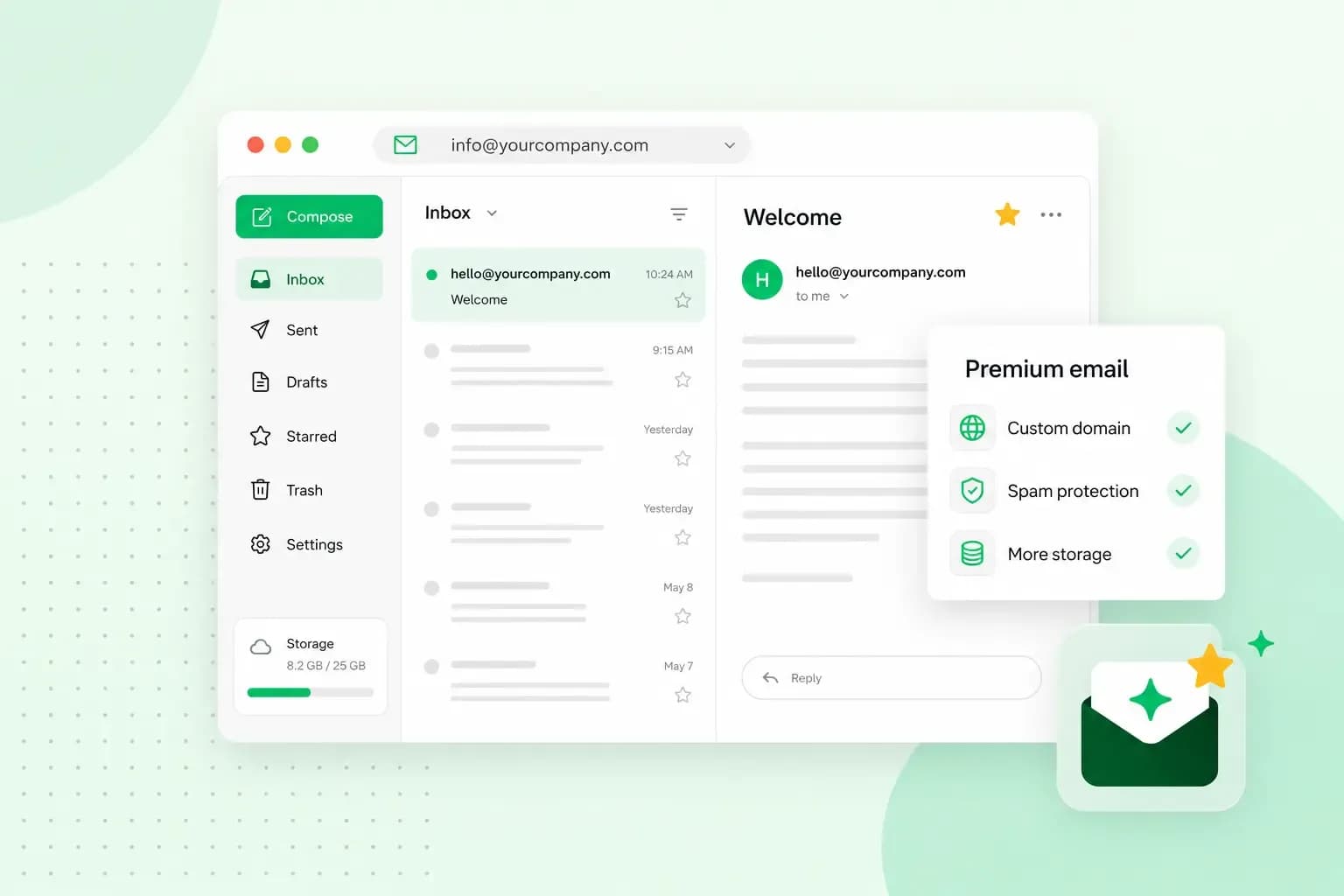
Premium mail will help you work more efficiently
Premium mail is a mail service that offers extra features or benefits, such as more storage, data recovery, and additional security measures.
As opposed to premium email, regular email is supported and can sustain with the help of advertisers. If you’ve ever had a standard email (such as Gmail, Hotmail etc.), you’ve probably seen ads every time you’ve logged into your account to check your emails.
With Premium email, you never need to see an ad again when you’re trying to send or read an email. Additionally, a premium email will give you access to features that enable you to work more efficiently. These features will enhance your security, give you more storage, allow you to recover data you’ve lost, and stop spam and viruses from entering your inbox, to name a few.
We recommend using premium email always and especially when doing business. You want to ensure that you have top security when you’re running your business, as well as access to all your emails if you accidentally lose your data.
Premium Mail with one.com
If you have an email hosted with one.com, you also have the possibility to use Premium Mail. Premium Mail offers a suite of tools to make your life easier.
You can activate Premium Mail on all your email accounts that are hosted with one.com.
At one.com, we understand the importance of efficiency and time management. Thus, the features that are included in Premium Mail will reflect that.
Advanced search
With the advanced search feature, you can search through the body of your emails instead of only being able to see the header of an email. This feature is very efficient and will come in handy when searching for a specific sentence or paragraph. It will come in handy, especially if you have incoming emails constantly throughout your day.
You can also narrow down your search even further by writing “body:” in front of a word you’re searching for. For example, body: final report to find the final report you’ve been looking for from your last meeting.
Mobile Sync
With our Mobile Sync feature, you can sync your email, calendar and contacts on all your smart devices.
This feature is similar to IMAP; the difference is that you can sync your calendar and your contacts on all your devices as opposed to IMAP, where you can only sync your emails. Meaning, every time someone sends you a meeting invite, it’ll also show up on your calendar on your phone.
Tip: Set your account with Mobile Sync to automatically synchronise all your data/content with your new devices.
Trusted senders
We’ve added the Trusted senders feature to ensure that you never miss an important email again. You can add the email addresses of your closest friends, family, and colleagues to your Trusted senders list to ensure that you’ll always see their emails. Additionally, all the addresses on your Trusted senders list will never end up in your spam folder.
Login alerts
The Login alerts feature will ensure that you receive an alert every time someone tries to access your email account from abroad. If it was not you trying to access your account, you can take action immediately.
Tip: You can add trusted countries that you perhaps travel to frequently to ensure that you don’t get notifications every time you’re accessing your email account in that country.
How to activate Premium Mail?
If you want to activate Premium Mail, go to your settings in your webmail application. Before subscribing to our Premium Mail, you can give it a try first by activating a trial session for up to 60 days. When your free trial is over, you can activate Premium Mail once again, and this time an email notification will be sent to you so that you can approve paid subscription for a small monthly fee.
Recommended reading
 EmailNov 10, 2025
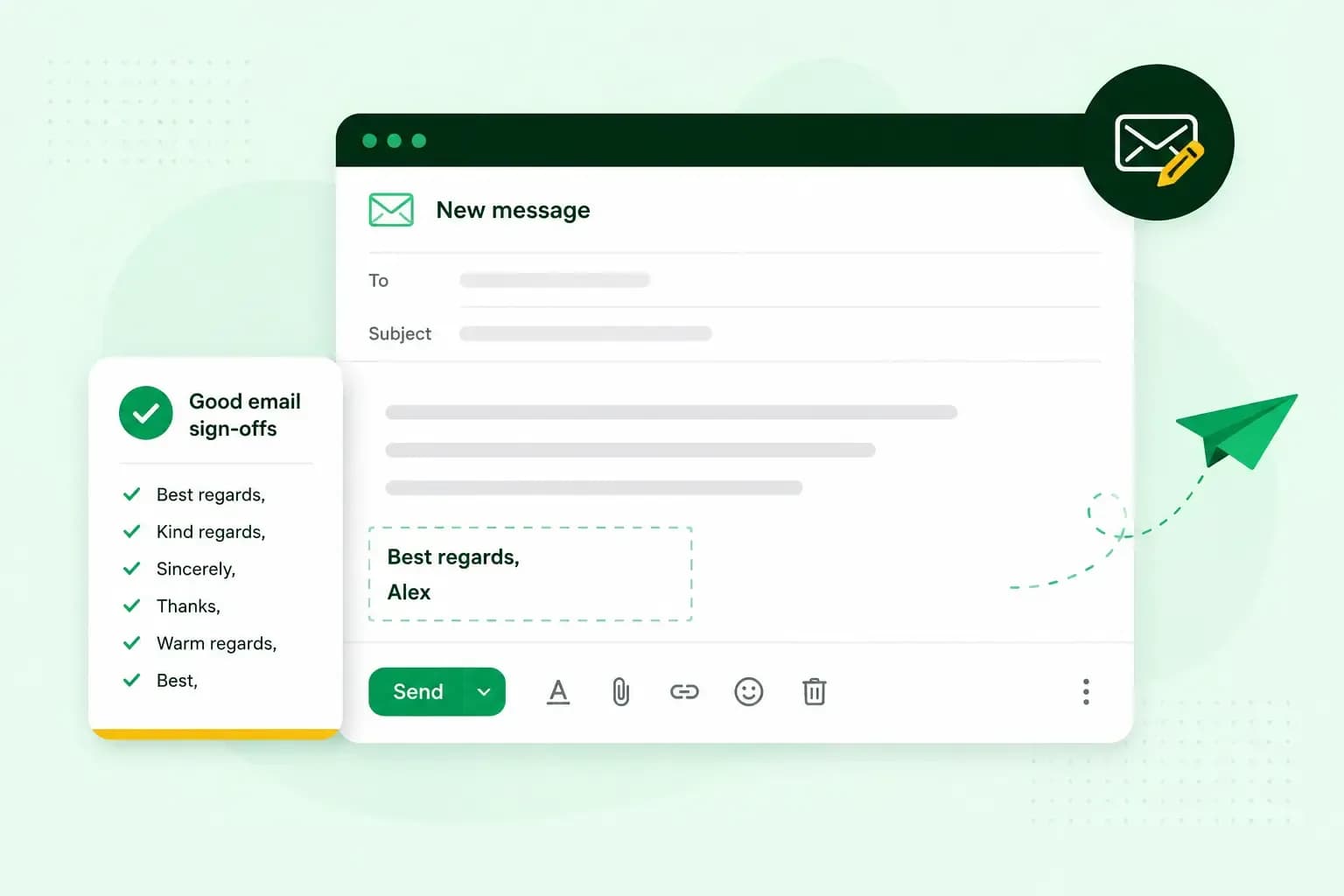
How To End An Email
How you end an email impacts how it is perceived. We have collected the best ways to sign off emails in English.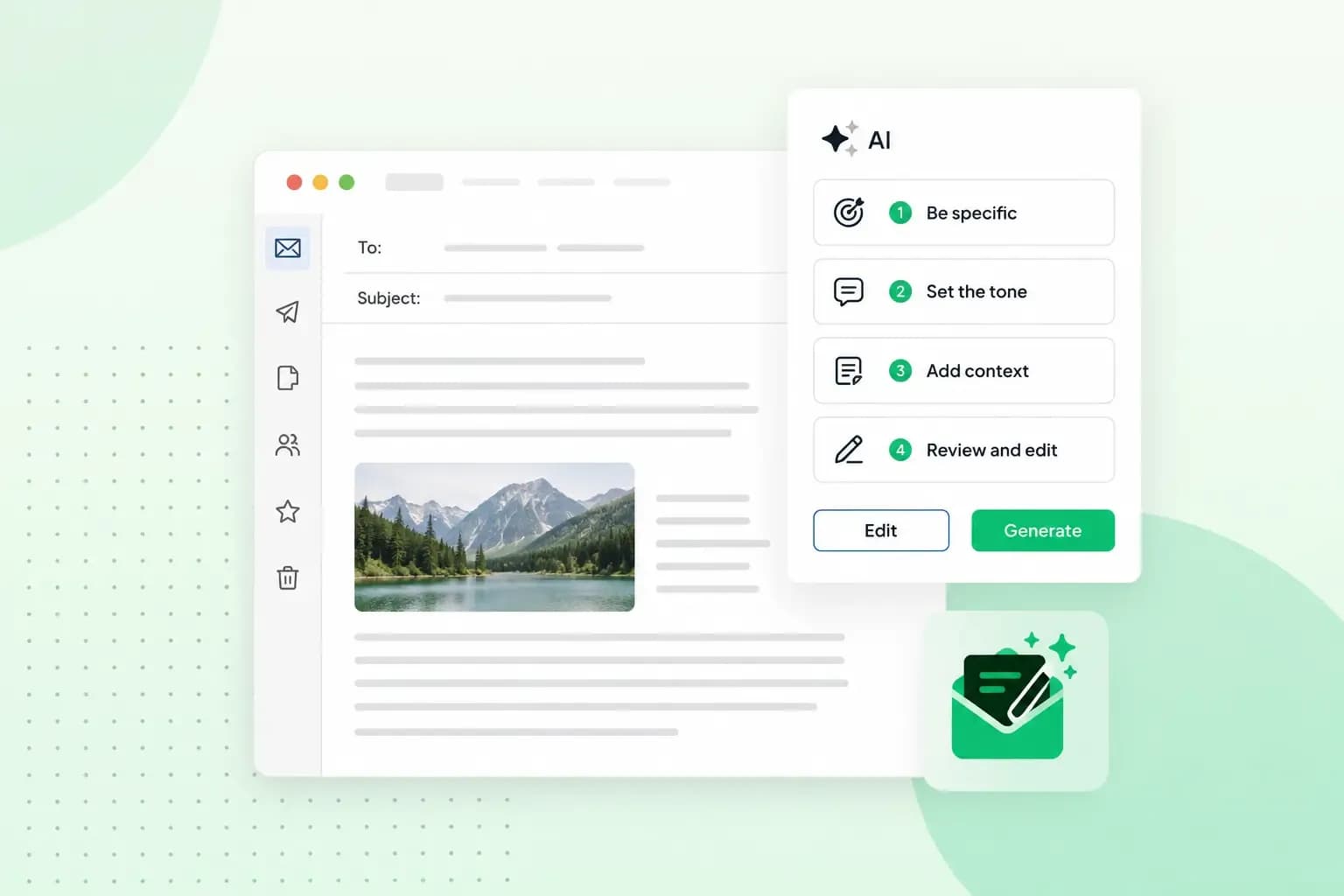 EmailOct 23, 2025
4 tips for better results with AI email writing
Save time without sacrificing quality: learn how to use AI for email writing and create personalised emails effectively. Tips for crafting clear and compelling prompts.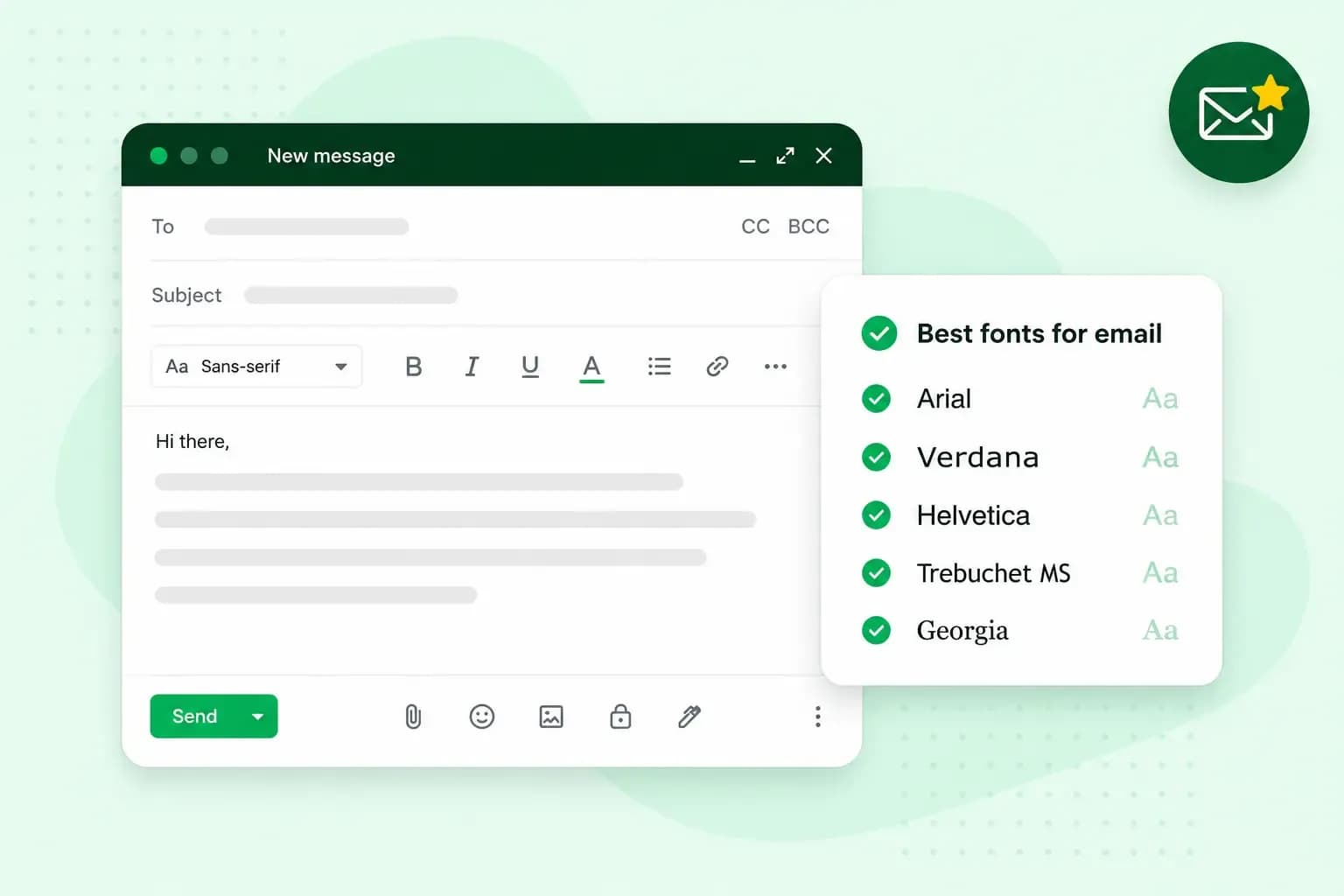 EmailOct 10, 2025
What is the best font for email?
Sending the perfect email is essential. Read our tips on what you should consider when choosing the best professional font to ensure success.