
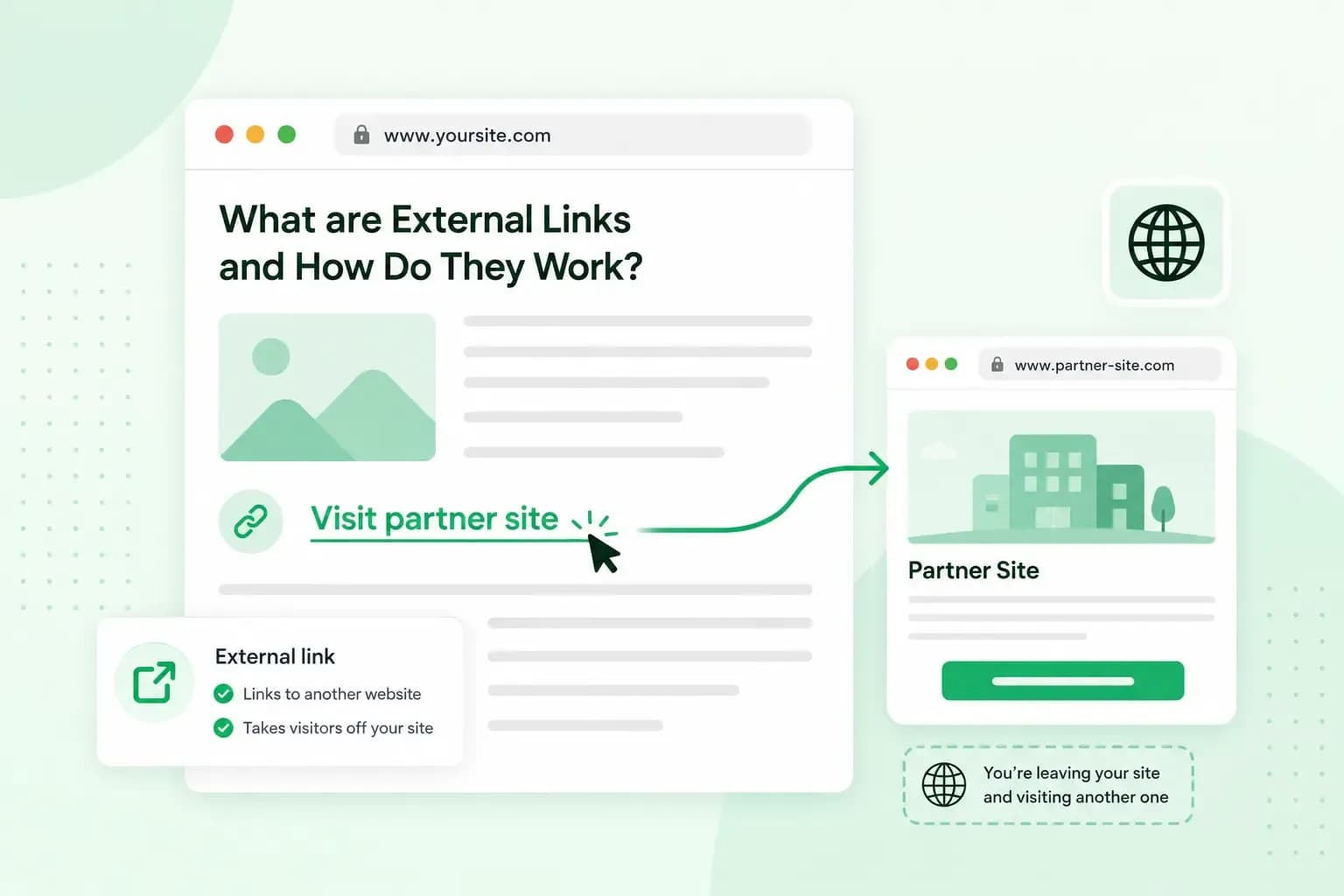
An external link is a link on your website that takes visitors to a page on another website. You use one to let readers check where a fact comes from or read more elsewhere. For example, a bakery's page about allergens might link to the official allergen guidance for food businesses.
An external link works like any other hyperlink: the link holds the full address of the other page, and a click opens that page.
External links, internal links and backlinks
An internal link points to another page on your own website. Linking your pages with internal links helps visitors find more of your content, while an external link sends them to another site.
A backlink is the same link seen from the other side. Your link to the allergen guidance is a backlink for the site that publishes it. In the same way, your own backlinks are links on other websites that point to yours. One way to earn them is guest blogging, where you write a post for another site in your field.
Do external links help SEO?
Yes, external links can help your SEO when they're useful to your readers. Google's own link guidance says you don't need to be afraid of linking to other sites. Citing your sources with external links can even help show that your page is trustworthy.
Google uses links as one signal of how relevant the page they point to is, and it follows them to find new pages. That doesn't mean more links are better. There's no ideal number of links for a page, and if a page feels like it has too many, it probably does. So link out to external websites where a link helps the reader, and leave it out where it doesn't.
Our SEO team optimises your content and builds relevant backlinks for your website.
Book a free consultationHow to add external links in HTML and WordPress
In HTML, you write a link with the <a> tag. The full address of the other page goes in its href attribute, including https://. The words between the opening and closing tags are the anchor text that visitors click:
<a href="https://www.gov.uk/government/publications/allergen-guidance-for-food-businesses">allergen guidance for food businesses</a>Write your links this way, because Google can generally only follow a link written with an <a> tag and an href attribute. In WordPress, you don't have to write the code yourself. The Link control in a Paragraph block adds a hyperlink to the words you select.
- Select the words you want to link and press
Ctrl+K(⌘+Kon a Mac). - Paste the full address of the other page, including
https://. - If you want the link to open in a new tab, expand Advanced and turn on Open in new tab.
- If you don't trust the page you link to, turn on Mark as nofollow in the same section.
In HTML, the target="_blank" attribute in the <a> tag does the same job as Open in new tab. Browsers usually open such a link in a new tab, although visitors can set theirs to open a new window instead. A new tab suits a source in the middle of an article, because readers can check it and still come back to your page. Other links can simply open in the same tab.
Should you use nofollow on external links?
Usually not. A normal link to a page you trust needs no rel attribute at all. The rel attribute tells Google what kind of link it is. A nofollow value says you'd rather Google didn't connect your site with the page. So Google's advice is to use nofollow only when you don't trust the source, not on every external link. Google does ask for a rel value on links you were paid for and on links your users add.
| Value | Use it for | Example |
|---|---|---|
| rel="sponsored" | Adverts and paid placements | A link in a post a brand paid you to publish |
| rel="ugc" | Links in content your users write | A link a visitor posts in your comments or forum |
| rel="nofollow" | Links where the other values don't apply and you'd rather Google didn't connect your site with the page | A link to an article you're replying to and disagree with |
Google's spam policies count buying or selling links for ranking purposes as link spam. Paying for a post that contains a link is part of that. Excessive link exchanges, where sites link to each other only to cross-link, count as link spam too. If you were paid for a link, mark it as sponsored, which Google prefers, or nofollow, which it still accepts. With one of these values, the paid link no longer breaks Google's policies.
In HTML, the value goes inside the <a> tag, as in <a rel="sponsored" href="https://…">. In the WordPress block editor, the Mark as nofollow setting from the steps above adds nofollow for you.
Good practice for external links
- Link to sources you trust. Choose pages from organisations that know the subject, such as an official body or the maker of a product, so a reader who clicks lands somewhere useful.
- Use anchor text that says where the link goes. Write "allergen guidance for food businesses", not "click here", and our guide shows how to write good anchor text.
- Check your links now and then. Open the pages your older posts link to and replace any link that no longer works.
Put your links to work
Start with your most important page. Find the main fact it rests on, link the page that fact comes from and use anchor text that says what the reader will find there. When you want help with the rest, from your content to links from other websites, our SEO team can take it on.
Recommended reading
 Marketing19 Oct 2026
15 ideas for Black Friday marketing
Make the most of Black Friday with 15 marketing ideas to attract customers and boost sales. Discover ways to promote your offers, reach more shoppers and make your campaign stand out. Marketing30 Dec 2025
AI SEO: how to use AI for search engine optimisation
A basic guide to AI in SEO – let's look at how artificial intelligence can help you speed up your SEO tasks. Marketing30 Dec 2025
AI search optimisation: how to get your website into AI answers
A basic guide to AI in SEO – let's look at how artificial intelligence can help you speed up your SEO tasks.