
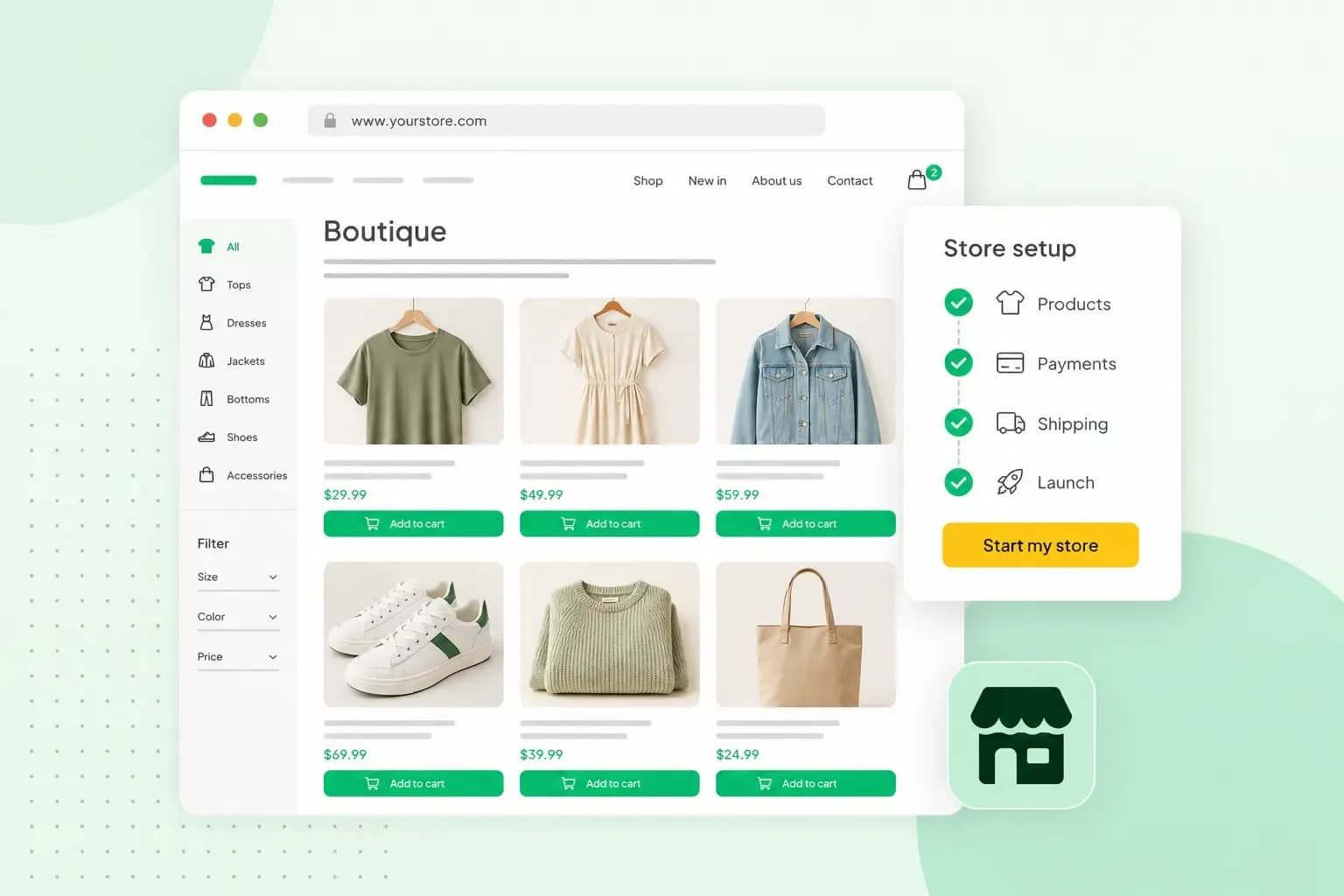
Starting an online clothing store begins with who you'll sell to and how you'll stock and ship the clothes. Then, as a sole trader, you register with HMRC once you make over £1,000 in a tax year, build the shop on your own domain and add your products with their sizes and colours. Before you open, you set up payments and delivery and add the information the law asks you to give customers. After that, the work is bringing people to your shop.
Choose your niche and who you sell to
It's worth choosing a niche and serving one group of people well. Your niche then tells you which clothes to stock, how to photograph them and where to find your customers. Pick one you know as a shopper yourself, because you'll already understand what those customers look for. For a small online clothing business, that could be a niche such as:
- sustainable fashion, made from recycled or organic materials
- yoga and activewear, such as leggings and tops for training and everyday wear
- inclusive sizing, with each style in a full range of sizes
- personalised children's clothing, with names or designs printed to order
Before you order any stock, find out whether people want what you plan to sell. Simple market research is enough at this stage. Look at what people search for, and run a short survey on social media to see what your followers would buy. The answers also help you find your target audience and write buyer personas, short profiles of the customers you want to reach.
Decide how you will stock and ship your clothes
There are several ways to get your clothes. You can buy finished clothes from a wholesaler or a brand, have your own designs made by a manufacturer, or use print on demand, where a printing company prints and posts each item once a customer orders it. Before your first order, ask for samples and check the minimum order, the price per item and how long a reorder takes.
Next, decide who holds the stock and sends each order to the customer.
Three ways to stock and ship your clothes
| Self-fulfilment | Third-party fulfilment (3PL) | Dropshipping | |
|---|---|---|---|
| Where the stock is and who sends orders | You store the stock and pack and post each order | A logistics company stores it and fulfils your orders | Your supplier ships each order to the customer |
| Money before your first sale | You buy the stock first | You buy the stock and pay the logistics company | Very little, as you don't buy stock |
| Control over quality and the customer's experience | Complete control | Shared with the logistics company | Less control over product quality |
Our advice: if you run the business from home and have the space, start with self-fulfilment and a small first collection. A spare room holds the stock, and you post orders as they come in. That way, you learn which sizes and styles sell before you put money into larger orders. Packing takes more of your time as orders grow. Move to a fulfilment company once it eats into the time you need for the rest of the business.
Dropshipping suits you if you want to test a niche with almost no stock. Order samples first, so you know what your customers will receive. Then start dropshipping with a supplier whose samples meet your standard.
Register your clothing business with HMRC
For a first clothing shop, we recommend taking the first steps to becoming a sole trader. GOV.UK calls it the simplest structure to set up and keep records for, and you keep the profit after tax. A limited company is legally separate from you, but it comes with more rules for taking money out and filing accounts.
As a sole trader, you can start trading straight away. You must register for Self Assessment with HMRC once you make over £1,000 from it in a tax year. The tax year runs from 6 April to 5 April. HMRC then sends you a Unique Taxpayer Reference (UTR), the number you'll need when you file. You report your profit in a tax return each year, so keep records of your sales and costs from the first order.
You may also pay National Insurance on your profits, usually through the same tax return. For tax year 2026 to 2027, Class 4 contributions apply only to profits over £12,570, so below that you pay none. Class 2 contributions are treated as paid once your profits reach the threshold GOV.UK sets for the tax year, which means you don't pay them. Below that, nothing is due, though you can still pay Class 2 voluntarily.
When you need to register for VAT
You only charge VAT once you're registered for it. You must register when your taxable turnover over the last 12 months passes £90,000. You must also register when you expect to pass that threshold within the next 30 days. Turnover is the total value of what you sell, not your profit. Below the threshold, you can register voluntarily.
Once you're registered, you owe HMRC VAT on your sales from your registration date. You report it to HMRC in a VAT Return for each accounting period, usually every 3 months, showing the VAT you've charged and the VAT you've paid to other businesses. The standard rate is 20%, so check that your prices still leave you a margin before you cross the threshold. Most children's clothes are zero-rated, which matters if they're your niche.
Choose where to build your shop
Your shop needs a domain for its address and a platform to build it on. Our online shop builder gives you the shop, secure hosting and an SSL certificate in one plan. It's part of our Aida AI Website Builder, where the shop comes with the Commerce plan.
Register a domain for your shop
Your domain is the address customers type to find your shop, and it's part of your brand. Choose it with the same care as the shop's name, then register a domain for the shop and your email. A name that works well follows a few simple rules:
- Keep it short and easy to spell.
- Make it match your shop's name.
- Avoid numbers and hyphens.
- If you sell mainly in the UK, we recommend the domain extension .co.uk. If you plan to sell abroad, register the .com as well.
Our guide to finding the right domain name helps if you're stuck.
Website builder or WordPress?
For a first clothing shop with a small range, we recommend a website builder. A website builder gives you the design tools, the shop and the hosting in one place, which is less to set up and look after than WordPress. With our Aida AI Website Builder, you describe your products, your prices and how you want the shop to work. Aida then creates the website and the shop from that. You can edit most parts by hand or ask Aida for changes in the chat. The Commerce plan has no limit on the number of products you sell.
With WordPress, you add WooCommerce, an open-source ecommerce plugin, to turn the site into a shop. You run it on Hosting for WordPress and keep WordPress, your theme and your plugins up to date yourself. If you'd rather not, choose Managed Hosting for WordPress, where we update them automatically.
WordPress is the better fit if you want features that only a plugin offers, and you're happy to look after the site.
How to open a clothing store online
With our Aida AI Website Builder, you need the Commerce plan to publish an online shop, so check your plan before you start. Before you can publish, the shop also needs at least one product, a payment method, a shipping method and your shop information.
- Open the Aida AI Website Builder and tell Aida in the chat that you want to create an online shop.
- Answer Aida's questions about your shop and the clothes you want to sell.
- Add your products and give each item its sizes and colours as variants, then group them into categories.
- Set up your shipping options, such as delivery by post or local pickup.
- Add your shop information and connect a payment method, such as Shore Pay to accept cards and digital wallets, or a manual payment like bank transfer. If you're VAT-registered, set your VAT rates too.
- Review the shop and publish it.
In your shop, customers can then pay by card, Apple Pay, Google Pay or Klarna, or by a manual method such as bank transfer.
Give each product clear photos from more than one angle, and describe the fabric. Add a size guide with measurements too. The shop keeps track of your stock and tells you when it's time to restock.
Add your products, set your delivery rates and take card payments. We don't take a commission on your sales.
Open my shopWhat your shop must tell customers
UK distance selling rules apply when you sell online. Before a customer places an order, your shop must give them:
- Who you are: your business name, contact details and address.
- What they're buying: a description of the clothes and the price, including all taxes.
- How to pay: the payment methods you accept.
- Delivery: how you deliver, what it costs and how long the clothes take to arrive.
- Cancelling: how to cancel an order, and when that right ends.
Customers can cancel up to 14 days after their order is delivered, without giving a reason. If you don't tell them about this right, they can cancel at any point within the next 12 months. You must also deliver within 30 days, unless you and the customer agreed a different date.
Your returns policy then says how to send an item back, who pays for the return and when the refund arrives. With clothes, allow for items that come back because they don't fit. Decide early whether you'll pay for those returns, and price your delivery with that in mind.
You'll usually need a privacy policy too, because a shop collects personal data with every order. It's worth adding terms and conditions as well, with your rules for orders, delivery and returns. You don't have to write these from scratch. Termly, an add-on we offer, generates a privacy policy, a cookie policy and a cookie banner for your shop. Termly also scans your website for cookies and keeps the documents up to date.
How much does it cost to start an online clothing store?
What you pay depends on how much stock you buy, how you send orders and how much you spend on marketing. The shop itself costs a monthly fee for our plan, which includes secure hosting, an SSL certificate and a free domain for the first year on selected extensions. We don't take a cut of your sales, but payment providers charge their standard processing fee on each payment. On top of the plan, budget for:
- your first stock, unless you dropship
- packaging and postage, which your prices or delivery rates need to cover
- product photos, a logo and labels, whether you do them yourself or pay a photographer and a designer
- ads, starting with a small budget that you raise as sales come in
- an accountant, if you'd rather not do your records and tax return yourself
How to promote your clothing store
A new shop gets few visitors until you bring them in, so start with the channels that suit clothes.
- Write pages and posts that answer what your customers search for, such as how to style a piece or which fabric suits which season. Our guide to SEO for ecommerce shows where to start.
- Run search ads on a small budget for phrases such as "buy yoga leggings". They can bring visitors while your shop is still new to search engines.
- Post photos of your clothes worn by real people on social media, such as Instagram, TikTok or Pinterest, and keep the look of your posts consistent.
- Ask customers to sign up for emails when they order, then send them new arrivals and offers.
Once your first collection is photographed and priced, open your online clothing shop and start with the channel your customers use most.
Recommended reading
 Online ShopNov 6, 2026
What is a payment gateway and how does it work?
A payment gateway passes your customer's card details securely from your checkout to the banks. See how it works, what it costs and which payments to offer. Online ShopNov 20, 2025
Loyalty programme examples for small businesses
Learn how loyalty programmes can boost customer retention and loyalty. We also give examples of 4 loyalty programme structures. Online ShopNov 7, 2025
What should I sell online?
What can you sell online? Read along as we look at what people buy online and give you 15 tips for what you can sell in your online shop.