


Danish bike shop owner Alf Henriksen started greenrider.dk – a shop that converts regular bicycles into electric bikes. Hear his success story and how he turned his dream into reality.

This is the story of Alf
Why start your journey at one.com?
Online solutions should never be confusing or difficult. With one.com, it’s easy to start growing your business, even without technical skills. Still, need help? Our support teams are dedicated to providing you with first-class assistance. Whatever your question.
All the way to online success
1. Start
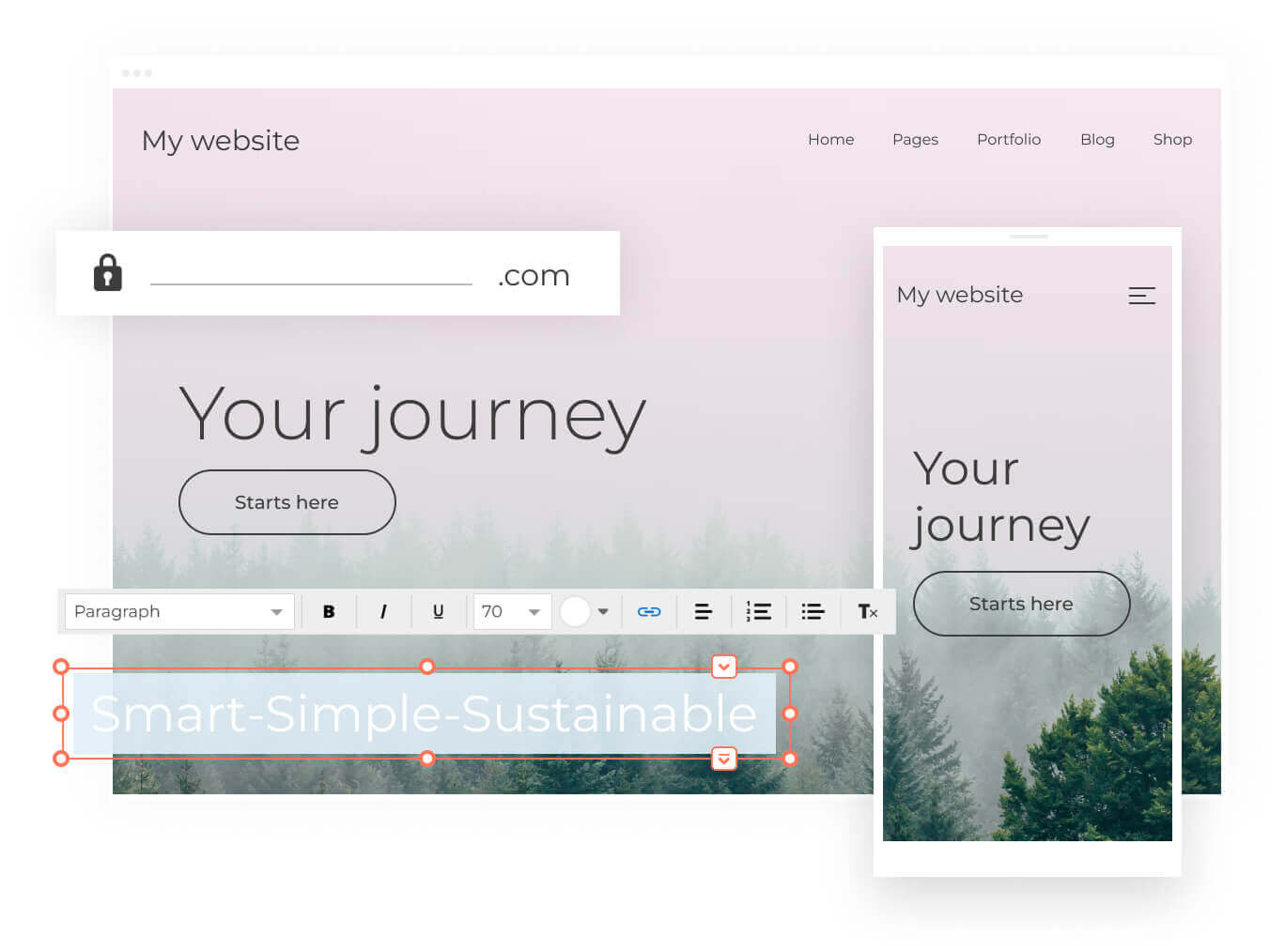
Kick-start your success today by registering the perfect domain name. If you already own a domain name, we’ll help you transfer it.
Find your name2. Build
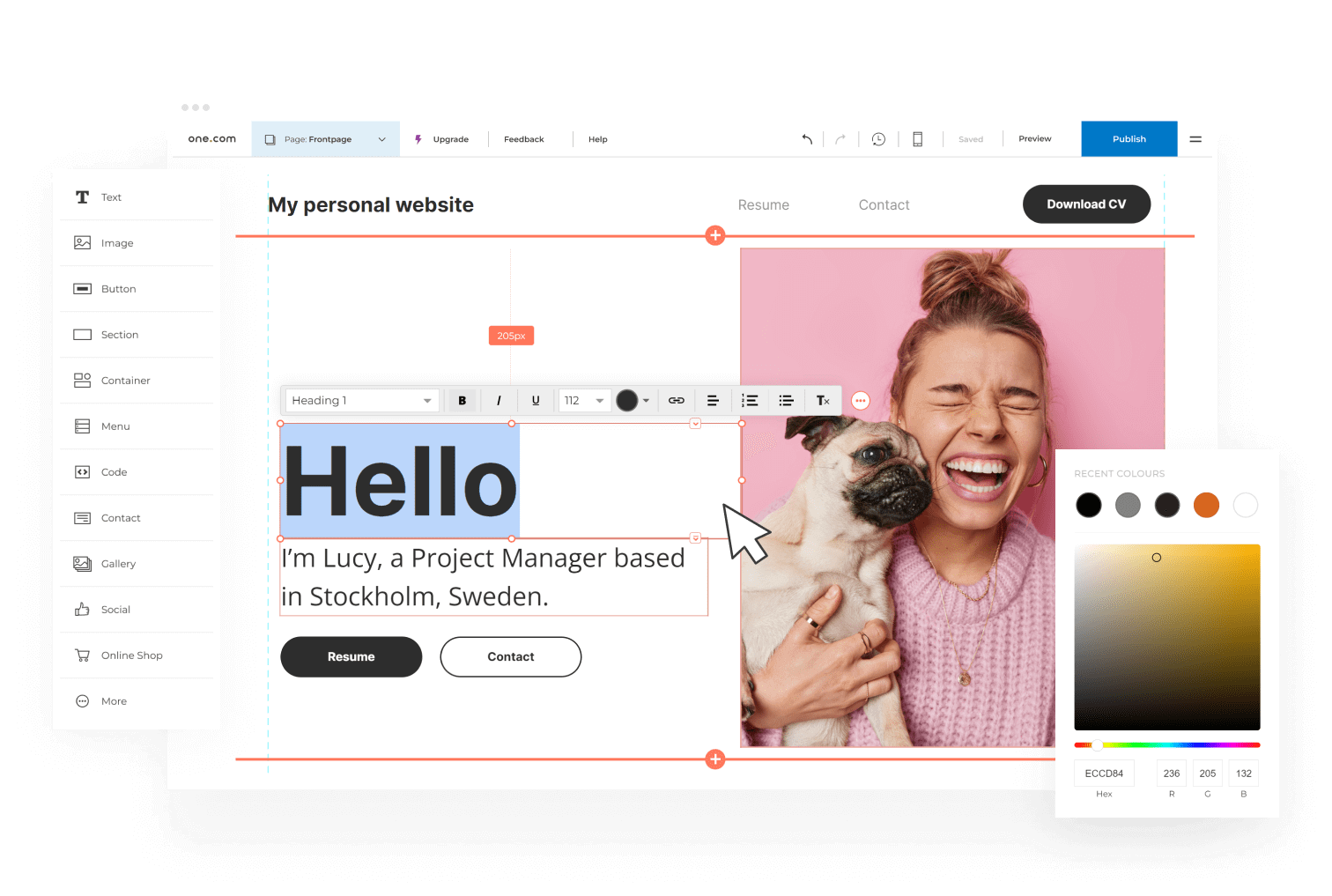
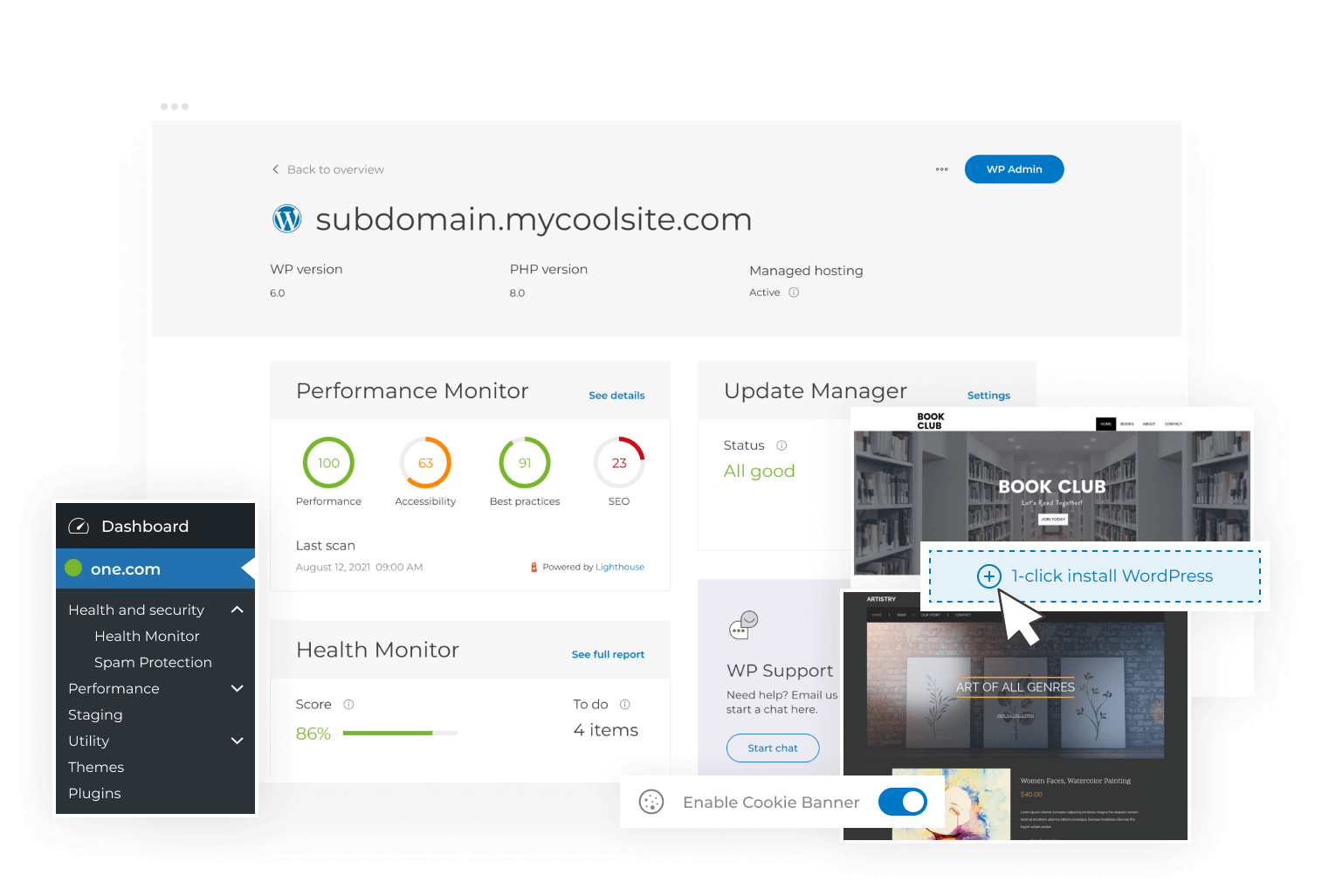
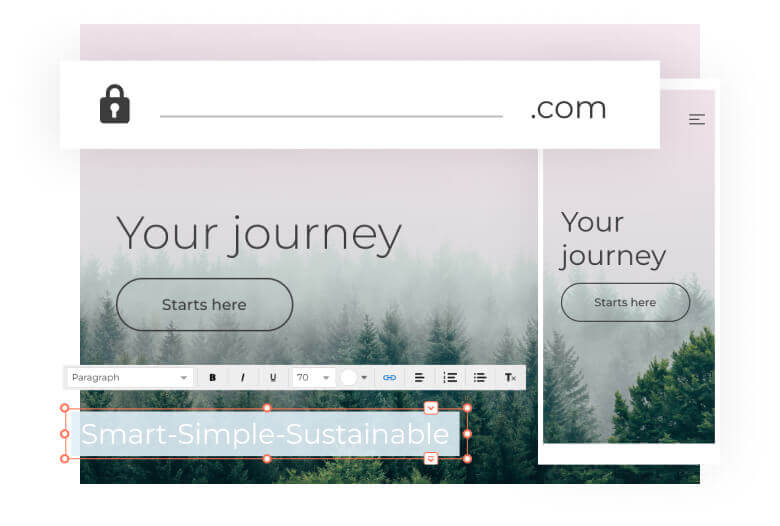
Build your website with the simple Website Builder or more advanced WordPress. Create a beautiful, responsive site in just a few steps.
Choose your tool3. Grow
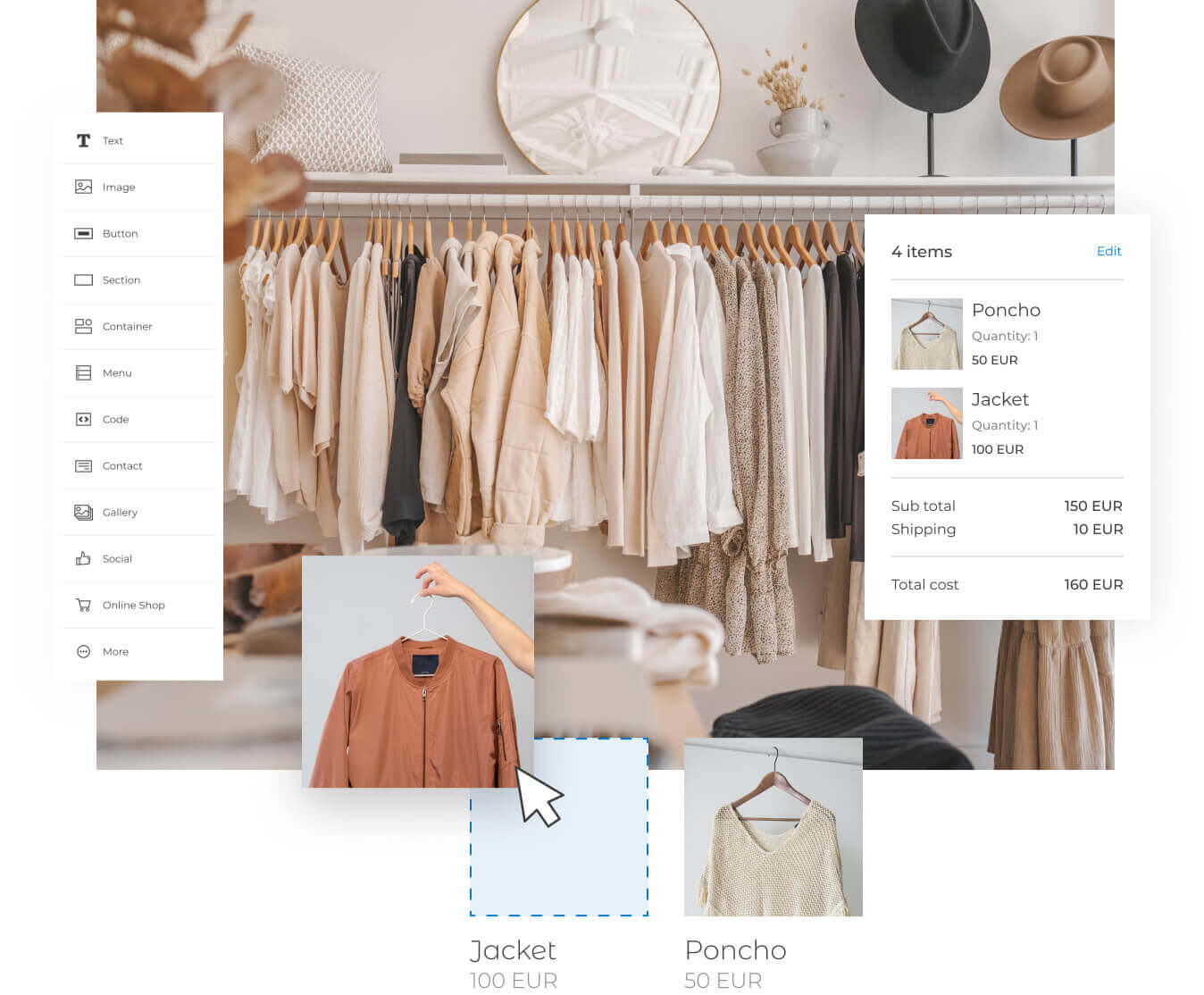
Grow your customer base. You’ve put in the effort of creating something you are proud of, and now you want the world to see it.
Market your siteThe right help when you need it

Help centre
Find the answer to your question in our help articles.

Chat with us
We are always here to help you. 24/7 – 365 days a year.

Academy
Learn more about websites with in-depth guides and tips & tricks.
Contact
Whatever your question, we will respond within 24 hours all year round.



Our customers like us
Millions of customers trust us with their websites
- The first choice for domain hosting
- Reliable online partner
- 24-hour support
12-month subscription period with the first 3 months free. Billed yearly.
Included in all plans
3 months’ free hosting
To get you started, our plans include a free hosting trial period for 3 months.
Free website builder
Start building your dream online with our easy-to-use Website Builder.
Free Google Ads credit
Grow your website traffic with Google Ads. Get 1 month free when you sign up.
24/7 support
Our friendly support team is available 24/7, every day of the year.
Free SSL certificate
All our plans include a free SSL certificate. Your website is secure from day 1.
Web Stats
Get insights on how your visitors use your website.
Get a 14 day free trial
Start building your website now with our free 14 day trial of Website Builder. No credit card required!
Frequently Asked Questions
How can I register a domain name?
You can register a domain name using the search bar at the top of this page. Enter your desired name and possibly a top-level domain, and search. You will then see which domain names are still available. Add one or more domain names to your cart and follow the steps in the checkout. When your registration was completed successfully, we will send you an email, and you can get started.
How do I create a website?
You can create a website by purchasing a few things: a domain name, hosting and a website tool. A domain name allows visitors to reach your site. Hosting is needed to display content on your site. And with a website tool, you build your website. Are you a novice builder? With Website Builder, you can create a site without coding. Do you have technical knowledge and want to build freely? Then WordPress suits you best. All our plans include Website Builder. This allows you to start building your website right away.
Which hosting do I need?
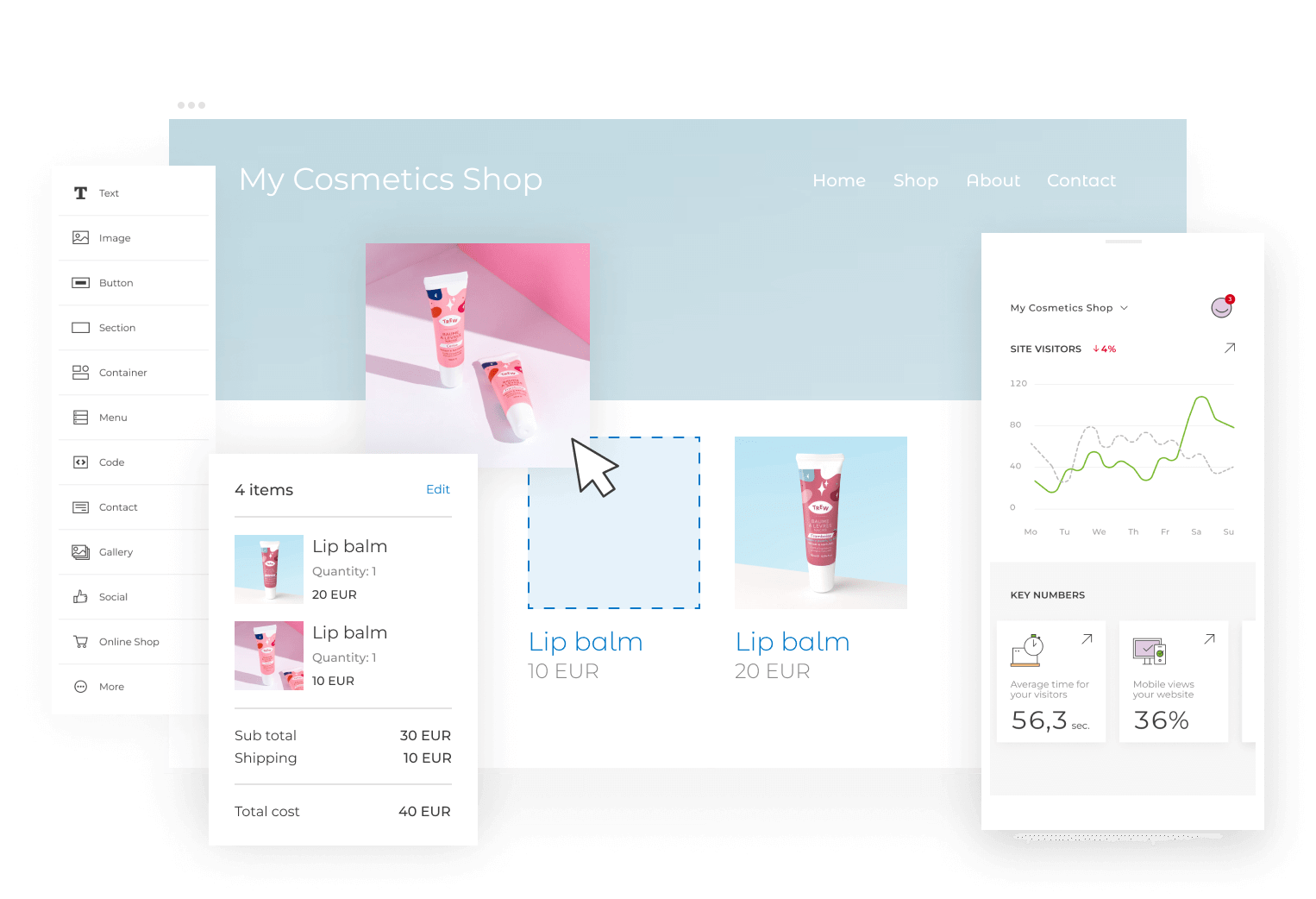
Which hosting you need depends on your needs. Are you going to build a simple website? Then the ‘Beginner’ plan is sufficient. Do you want to start a blog? With ‘Explorer’ you can create a blog on WordPress. Do you need powerful resources? For example, because you run several sites? Then choose ‘Enthusiast’ or ‘Guru’. Are you planning to create an online shop? Then choose ‘Beginner’ in combination with the add-on ‘Website Builder Business + E-commerce’.
Do I get email with my website?
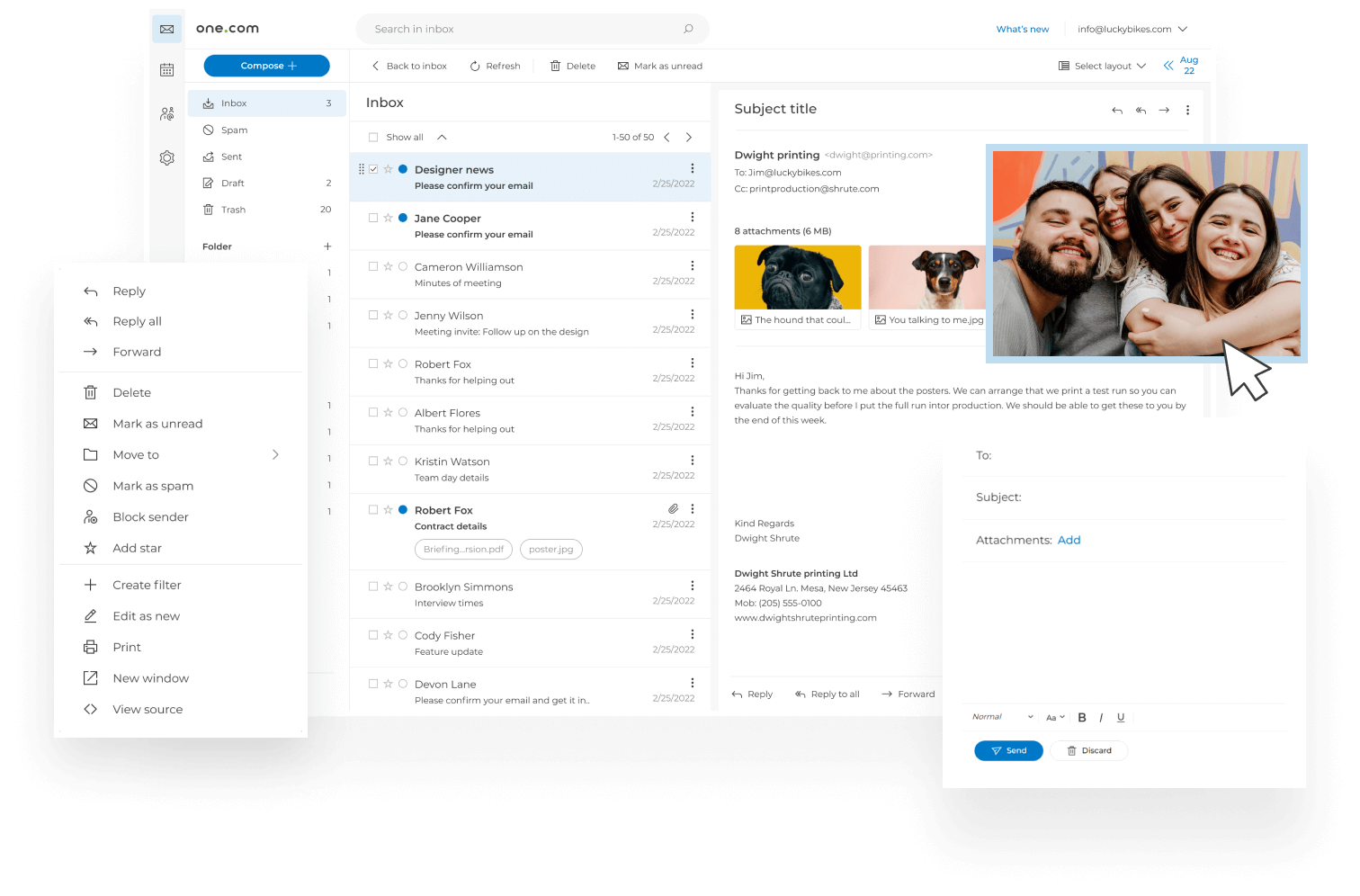
Yes, email is included with all our hosting packages. For this, you also need to purchase a domain name. Do you only want professional email with your own domain name? That is possible with email hosting.
Is my website secure?
We help you make your website more secure. With all our hosting plans, you receive a free SSL certificate to ensure a secure website connection for visitors. In the unlikely event that something goes wrong with your site, there is no need to worry. We make daily back-ups of your files, email and databases. We also continuously scan for malware to protect your site against cyberattacks. Want extra security? Then purchase one of SiteLock‘s add-ons: Find or Fix.
In some ways, you are also responsible for the security of your site. For instance, by using a strong password. You will find useful tips in our article on website security.
How can I manage my products?
You can manage your services via your own Control Panel. To do so, click on ‘Log in’ > ‘Control Panel’ at the top right of our website. The Control Panel also gives you direct access to Website Builder and Webshop.
What support do I get at one.com?
At one.com we are happy to help you. You can reach us 24 hours a day, 7 days a week. We are happy to answer all your technical questions and advise you on which package suits you best. Are you not (yet) familiar with one of our services? Even then we are a helping hand. You can reach us via chat, e-mail and phone. Or find the answer yourself on our helpdesk.

